44
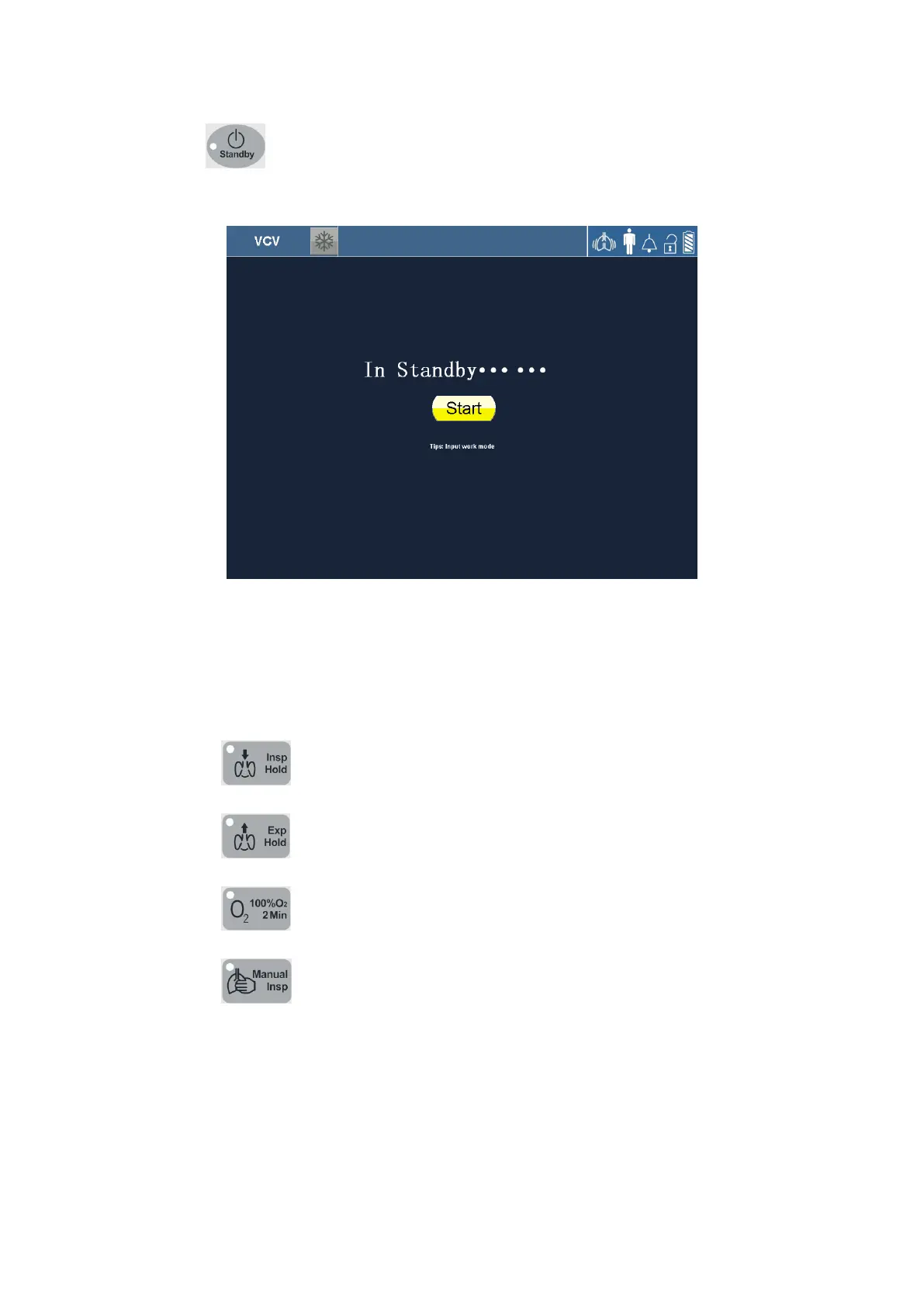
Press 【 】 membrane button and confirm by pressing the navigation wheel to
enter Standby mode. It shown as below.
Figure 5-2 Stand-by screen view
In this screen, the 【Start】 touch screen icon is highlighted, and you can exit the standby
mode by pressing the dial.
In this mode, the following membrane buttons are disabled:
- 【
】
- 【
】
- 【
】
- 【
】
5.6 Main screen
The Main screen provides the operator with displays of current mode of ventilation, alarm
status, battery charge status, monitored parameters, waveforms display and so on. It
shown as below.



 To Next Page