46
3) Alarm Setting
4) System Setting
5) System Log
Different buttons can select different function screen.
5. System time display area:
Displays the current date and time.
6. Waveform area:
According to different configurations of models and different settings by users, it will
display the waveform and loop graph of the current patient.
7. Key parameters setting area:
Except using the 【Mode setting】, users can set the relative ventilation parameter of the
current ventilation mode in this area directly, the gray touch key means the parameter is
disable in the current ventilation mode and cannot be adjusted.
8. Measured parameter area:
Display measured parameters of the current patient.
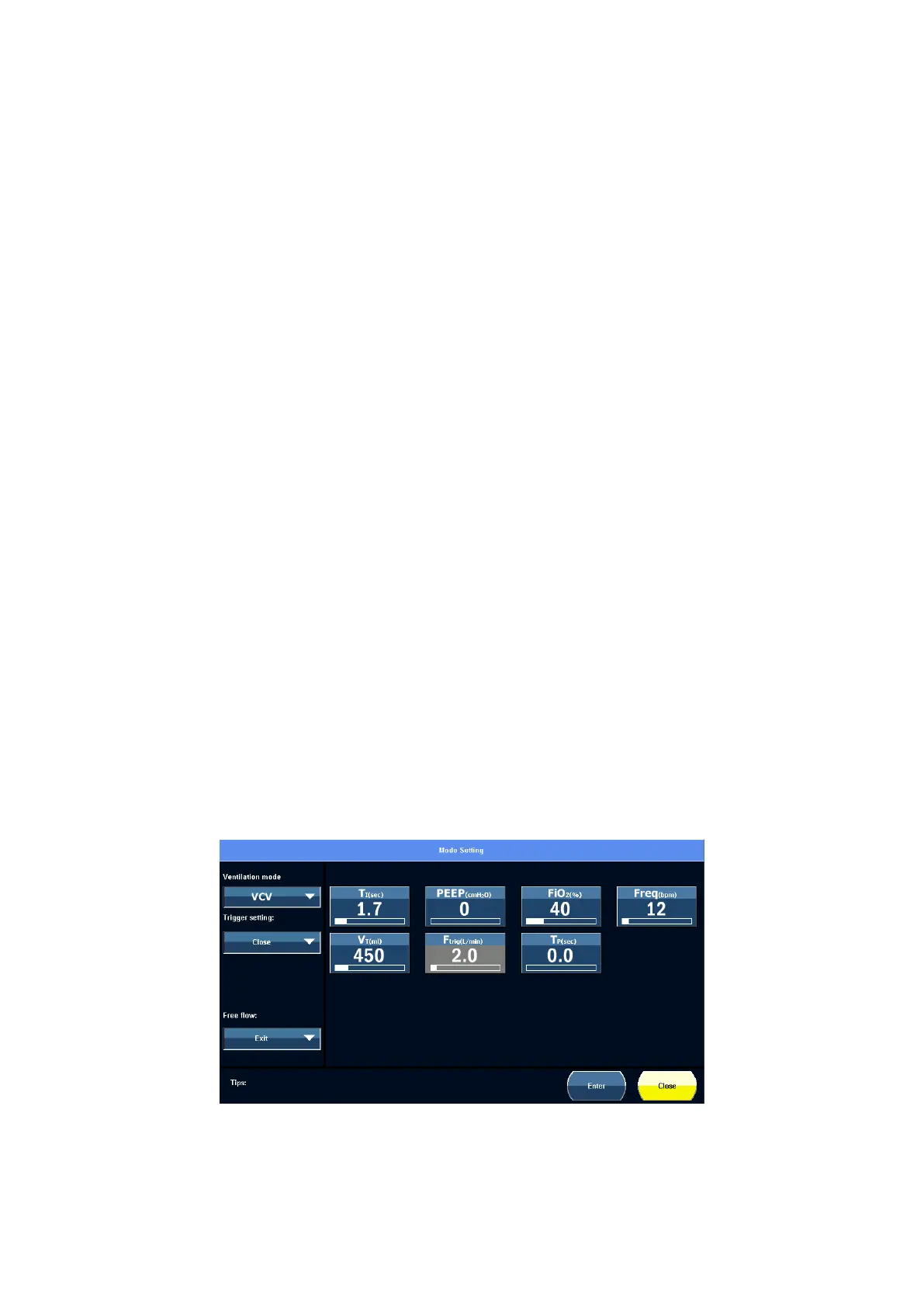
5.7 Mode setting
Touch the 【Mode Setting】 touch screen icon to enter the mode setting screen, it shown
as below.
Figure 5-4 Mode setting screen view
In this screen, users can perform the following operations:



 To Next Page