49
Move the focus to select 【Close】, and then press the navigation wheel, the system will
save your settings and exit the alarm setting screen.
The alarm parameters and setting range refer to the Appendix B.5.
The alarm default settings refers to the Appendix F.
5.10 System setting
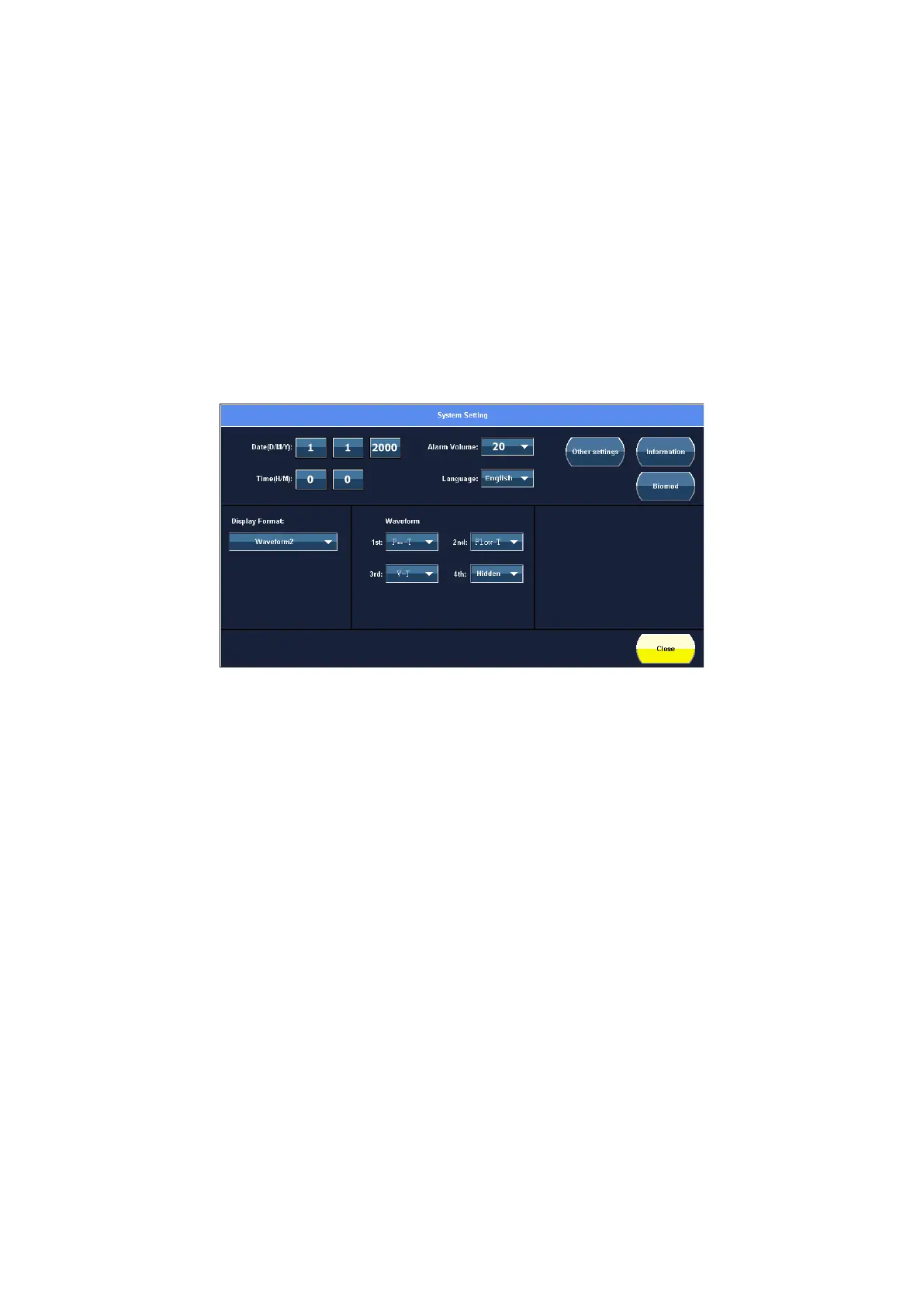
Touch the 【System setting】 touch screen icon to enter the system setting screen, it is
shown as below.
Figure 5-7 System setting screen view
1. Common settings
You can set the Date/Time, Alarm Volume (Range: 20~100) and Language.
1) Touch the parameter value that you desire to set.
2) Rotate the navigation wheel to adjust the value.
3) Press the navigation wheel to confirm settings.
2. View settings
You can configure the Waveform, Waveform + loop, Trend and Big Font displayed on the
main screen.
Display format:
- Waveform1
- Waveform2
- Waveform + loop
- Trend



 To Next Page