50
- Big Font
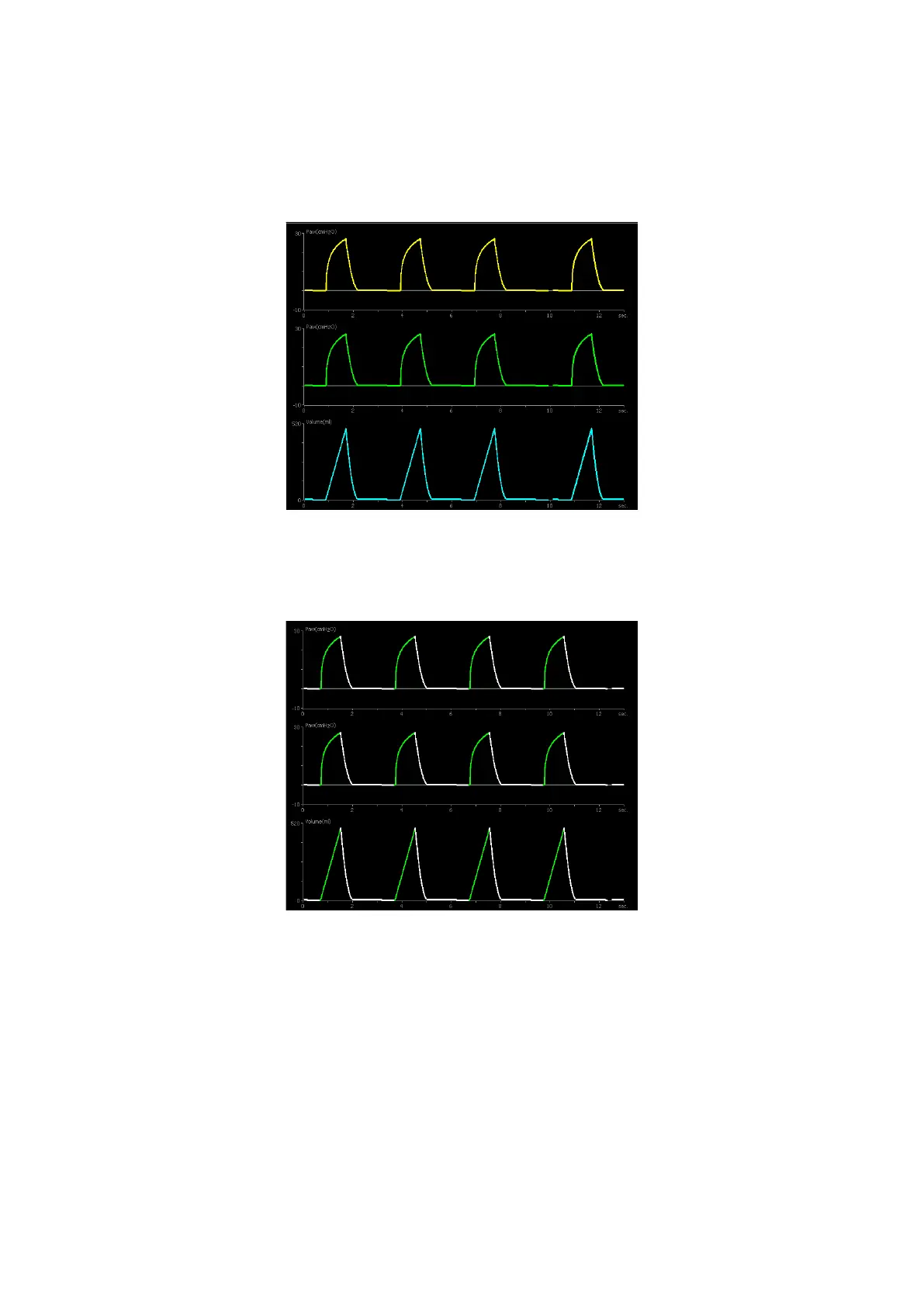
If 【Waveform1】 is selected, the waveform area displays the different color waveforms
with yellow, green and light blue respectively. It shown as below.
Figure 5-8 Waveform1 view
If 【Waveform2】 is selected,a green tracing indicates the inspiratory portion of a breath
and a white tracing indicates the expiratory portion of a breath. It shown as below.
Figure 5-9 Waveform2 view
In System Setting screen, there are four waveform options for you to select:
1) The 1st waveform options:
- Paw-T
- Flow-T
- V-T
- SPO
2
-T (optional)
- CO
2
-T (optional)



 To Next Page