Configuring your Mailing System
124
9
How to Change the 'Soft off timeout' (Supervisor)
How to Change
the 'Soft off
timeout'
(Supervisor)
To change the Soft off time-outs logged as Supervisor
(See
How to Log in as Supervisor
p.120):
1 Either:
The
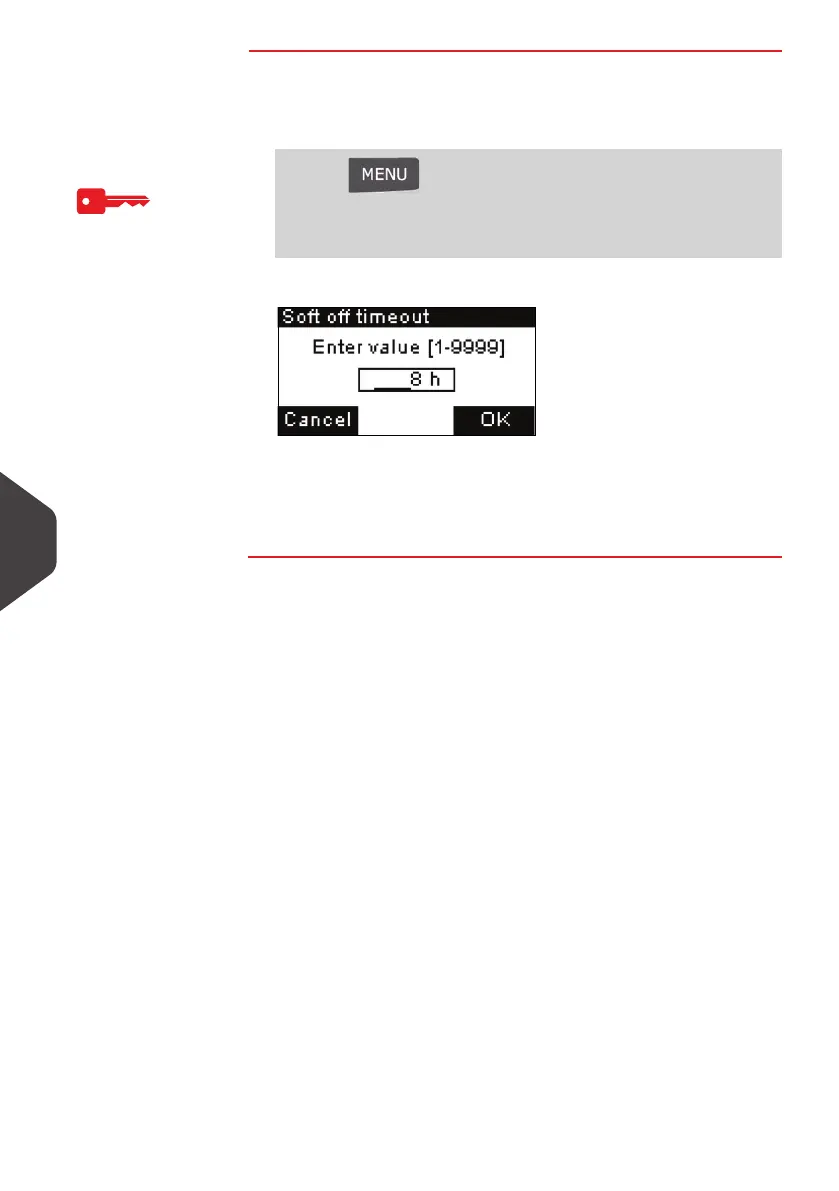
Soft off timeout
screen is displayed.
2 Enter the new value (in hours) of the “soft off time-out”.
3 Press [OK] to validate.
The
Time out settings
screen is displayed.
Press and type 3.5.2
Or
Select the path: > Default user settings > Timeout settings
> Soft off timeout
ALPHA1_UK.book Page 124 Jeudi, 6. septembre 2012 4:08 16



 To Next Page