Managing Accounts and Access Rights
70
5
Guidelines to Setup A ccount Modes
See also
•
Selecting an 'Account Mode '
p.69 .
Setting up 'No account'
The 'No account' mode provides users with free access to the machine (Self-service
type).
This is the default mode in the machine.
Implementing “No account”
• Follow the procedure
How to Display and Change the 'Account Mode'
p.74 .
• Then, select the 'No account' mode.
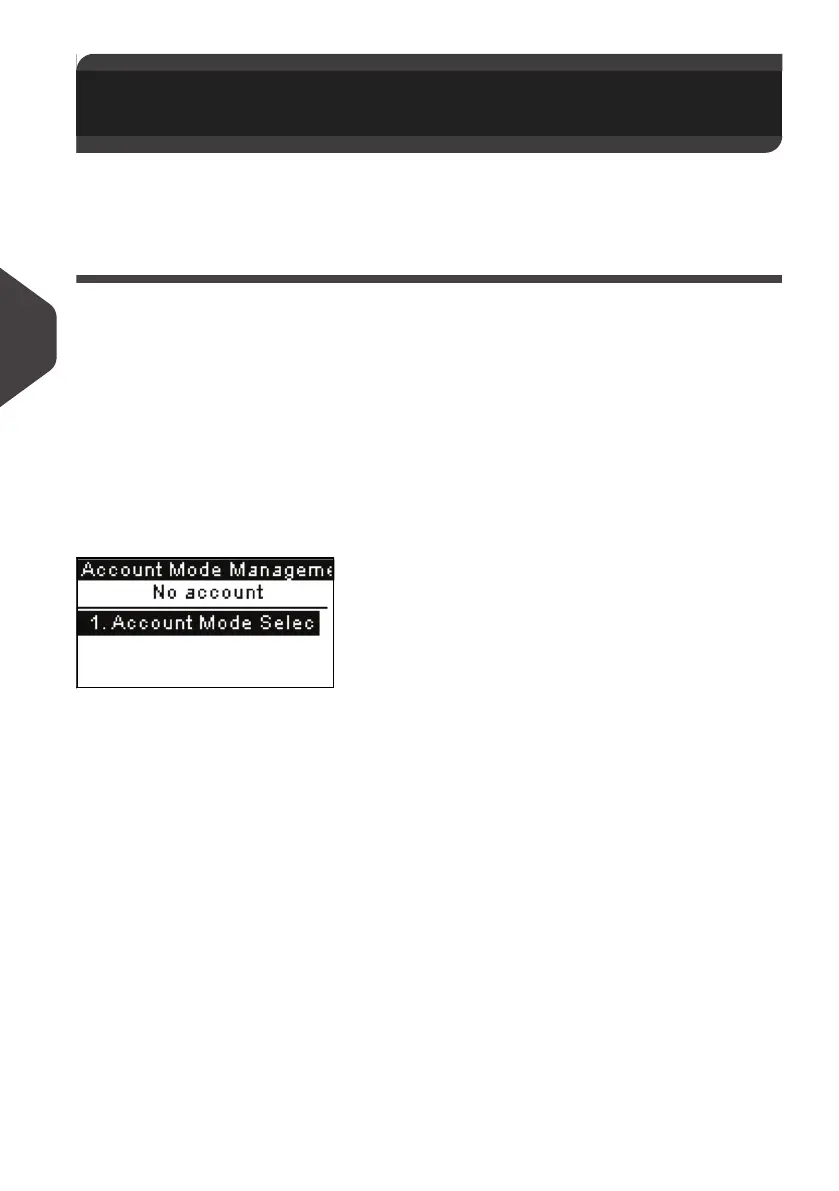
'No Account' Management Menu
In
No account
mode:
No other setting is necessary for the “No account” mode.
5.4 Guidelines to Setup Account
Modes
ALPHA1_UK.book Page 70 Jeudi, 6. septembre 2012 4:08 16



 To Next Page