Money Operations
61
4
Adding Credit
You can add credit to the Mailing System by indicating an amount to add. The Mailing
System then connects to the Postal Server and validates the operation.
How to Add Credit to the Meter
How to Add
Credit to the
Meter
To add credit to the Meter:
1 Either:
2 Select > Credit (or type 2).
3 If the system asks for a PIN code, enter the code using the
keypad and press [OK] .
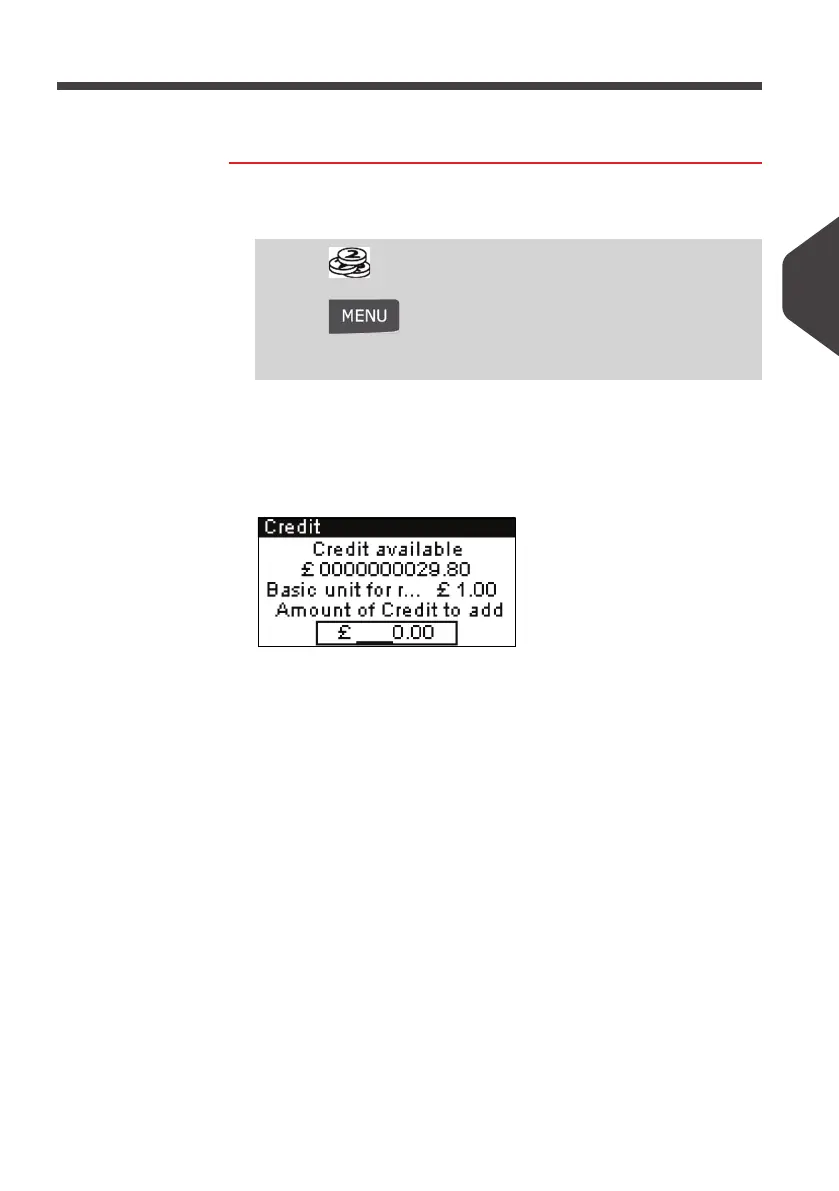
The
Credit
screen is displayed.
By default, the system proposes the value of the previous
crediting operation.
4 Enter the amount to add using the keypad (use C to clear a
digit).
Press
Or
Press and type
7
Or
Select the path: > My Credit
ALPHA1_UK.book Page 61 Jeudi, 6. septembre 2012 4:08 16



 To Next Page