Processing Mail
49
3
Entering Weight Manually
You may have to enter the weight manually if a mail piece exceeds the weighing ca-
pacity of your weighing platform.
In this case, you will typically choose to print the postage on a label to stick onto the
mail piece.
How to Enter Weight Manually
How to Enter
Weight Manually
To enter the weight manually from the Home Screen:
1 Either:
The
Weighing type
screen is displayed.
2 Select Manual weight entry (or type 1).
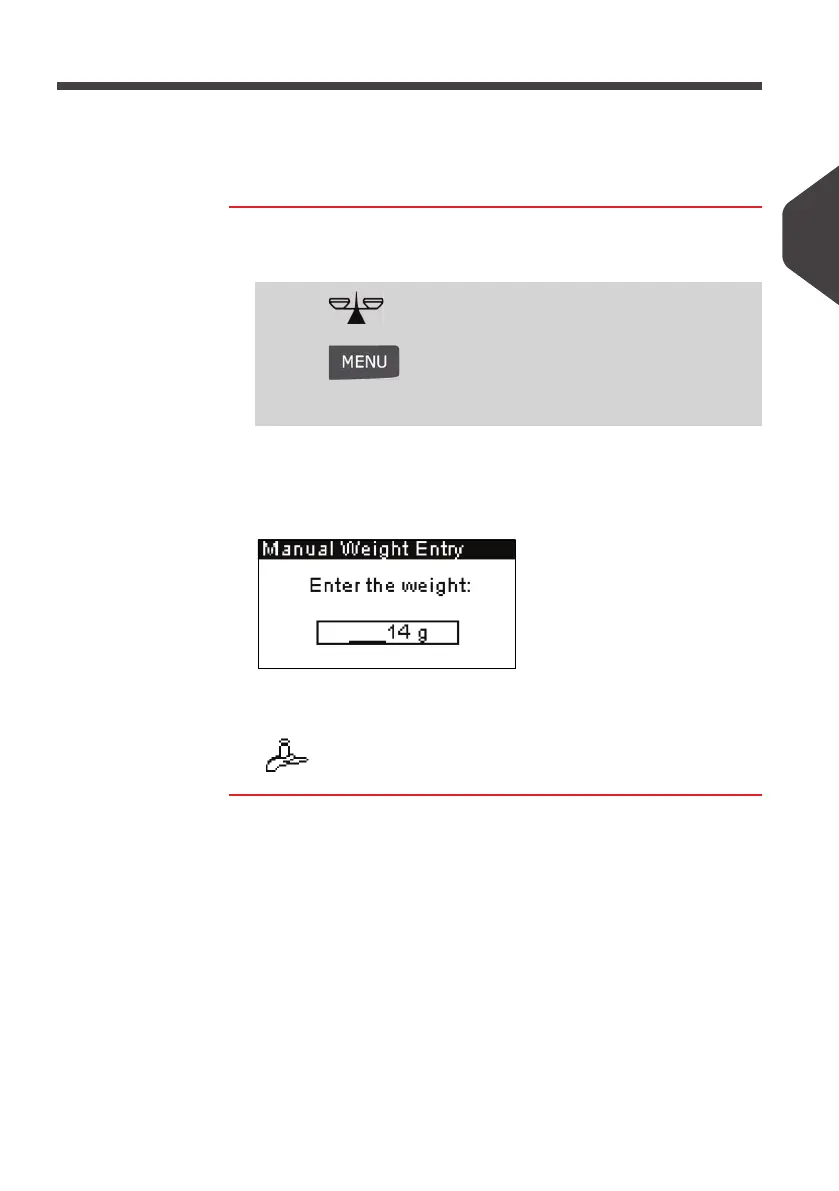
The
Manual weight entry
screen is displayed.
3 Enter the weight (in g) and press [OK] to validate.
The home screen displays the
Manual weight entry
icon
( ) and the weight entered.
Press
Or
Press and type
2.1
Or
Select the path: > Batch settings > Weighing type
ALPHA1_UK.book Page 49 Jeudi, 6. septembre 2012 4:08 16



 To Next Page