Processing Mail
40
3
Applying Postage Manually Entered
Sequence of Settings
The procedure below outlines steps to enter the postage amount manually.
The sequence is identical to p.34, except for the following:
• Postage must be set manually to the desired amount.
How to Enter Postage Amount Manually (Settings)
How to Enter
Postage Amount
Manually
(Settings)
Required settings:
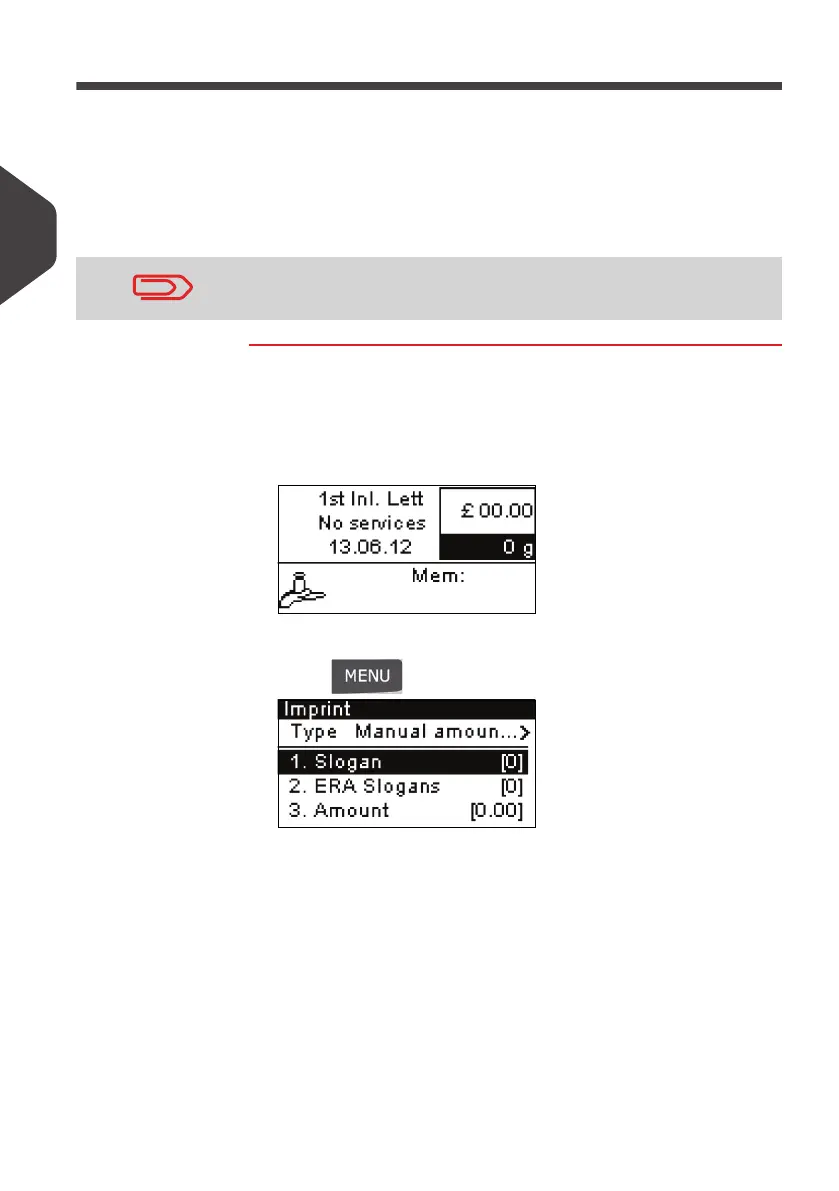
1 Make sure you are on the home screen of the [Normal] type
of imprint.
The home screen indicates weight, postage and currently se-
lected rate as illustrated below
2 Check or change the type of imprint.
Press
and type
1 to access the
Imprint
screen:
The type of imprint is indicated on line 2 of the screen.
To change the type of stamp:
Select the
Type
line.
Press [OK] and then select [Manual Amount Entry] in the
Imprint
screen.
Press [OK].
3 Change the elements of the imprint:
To check or change the Slogan selection:
Select
Slogan
.
Select a Slogan (or
None
) in the
Select slogan
screen. For
more details, see
How to Add (or Cancel) a Slogan on the
Imprint
p.54
Make sure you have already completed the preparation steps
mentioned in
Preparing and Starting your Work Session
p.27.
ALPHA1_UK.book Page 40 Jeudi, 6. septembre 2012 4:08 16



 To Next Page