Reports
94
6
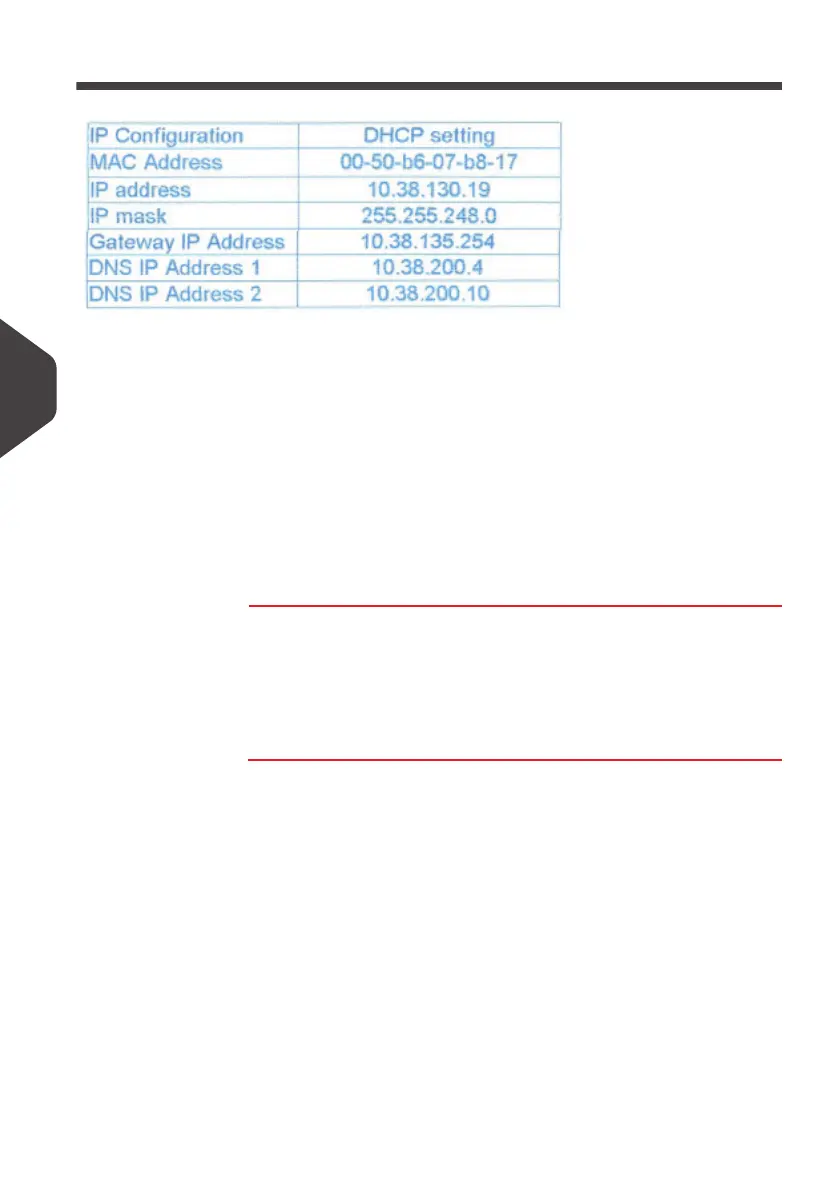
IP Configuration Report
Requirements
To generate this report:
• you must be logged in as Supervisor
• the mailing machine must be connected to the network with a modem or LAN
Output
The IP Configuration Report outputs are:
• Screen
• USB printer
• USB memory device
How to Generate a IP Configuration Report
How to Generate
a IP
Configuration
Report
To generate a IP Configuration Report:
1 See
Generating Reports
p.83 .
ALPHA1_UK.book Page 94 Jeudi, 6. septembre 2012 4:08 16



 To Next Page