Processing Mail
42
3
Running Mail
To run mail, follow the procedure below after you have completed the sequence in
How to Enter Postage Amount Manually (Settings)
p.40.
How to Apply Postage Manually Entered (Running Mail)
How to Apply
Postage
Manually
Entered
(Running Mail)
The postage amount is displayed on the home screen. To print
postage directly on mail pieces:
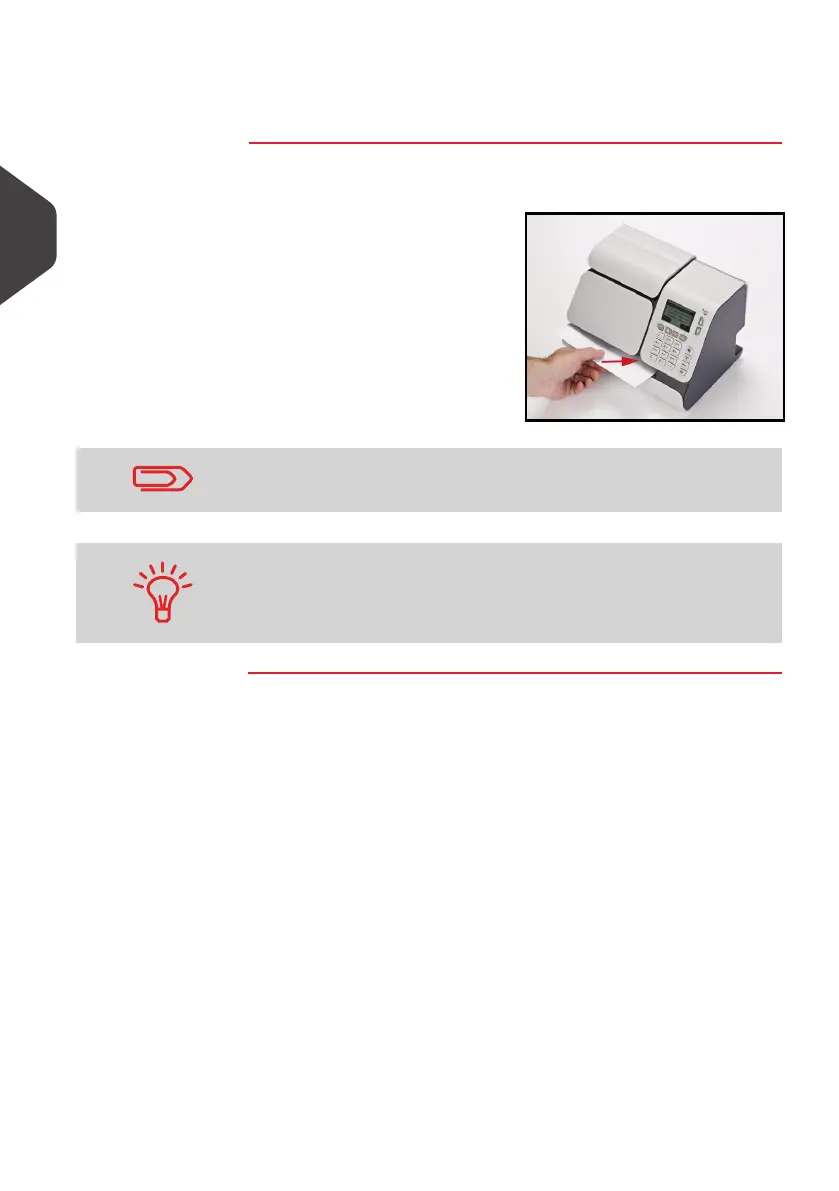
1 Insert the mail piece (or a
label tape) into the mail path
against the rear-guide wall,
with the side to be printed
facing upwards.
The side that you want to print on should be facing upwards.
If a mail piece is bigger than mail path maximum thickness (see
Mail Specifications
p.179), you may print on a label instead.
ALPHA1_UK.book Page 42 Jeudi, 6. septembre 2012 4:08 16



 To Next Page