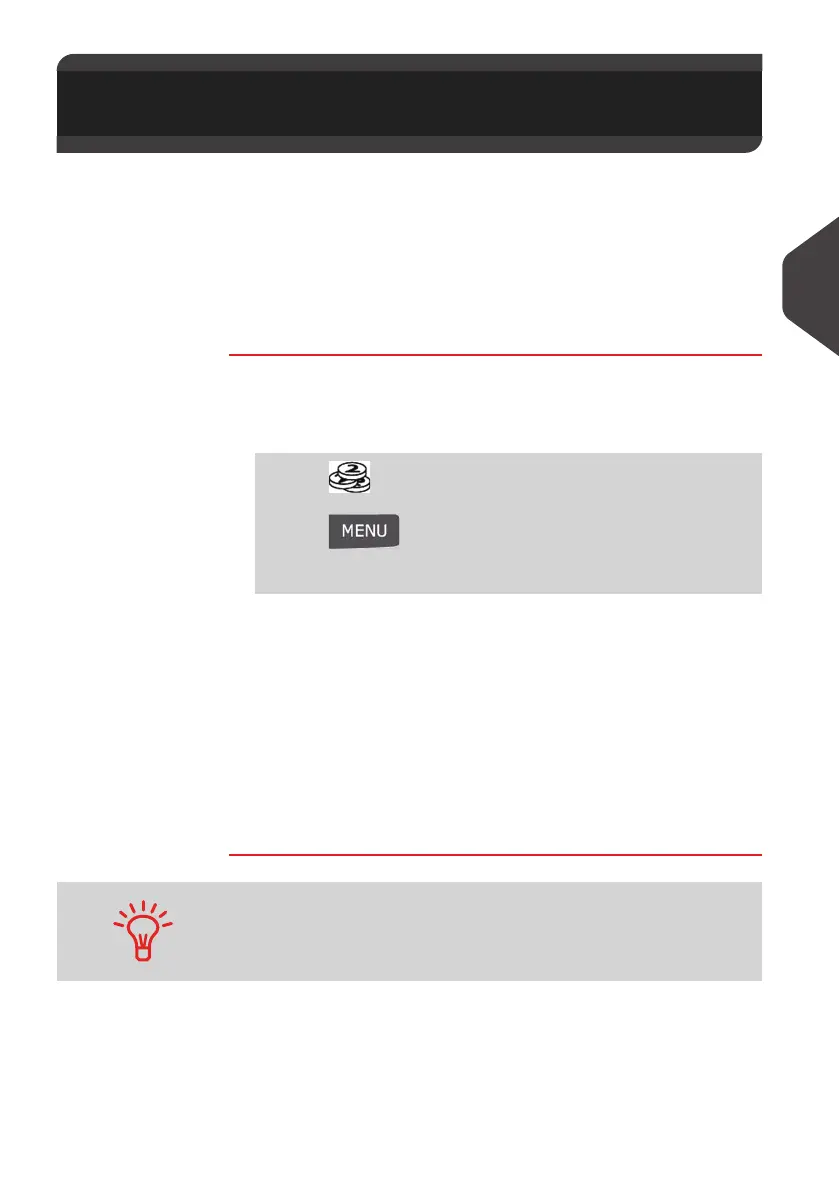
Money Operations
63
4
Unlocking the Meter (Postal Inspection)
Manual Call
• The postal service requires your postage Meter to periodically connect for postal
security regulation.
If you have not connected your system after a period your system will automat-
ically be deactivated.
• If your system is deactivated, you have to perform a connection to the Postal
Services to unlock the Meter.
How to Unlock the Meter
How to Unlock
the Meter
To unlock the Meter and manually connect to the Postal
Services:
1 Either:
2 Select > Audit (Or type 3).
The system asks for confirmation.
3 Press [OK] to connect to the Postal Services.
If the audit is successful , the system displays a successful
message and then, press [OK] .
If the audit fails , the system displays a failure message ex-
plaining the cause of the error. Try to correct the cause and
retry.
4.3 Unlocking the Meter (Postal
Inspection)
Press
Or
Press and type
7
Or
Select the path: > My Credit
You can also use the Audit function to set the mailing system time
after Daylight Savings Time transitions , as connecting to the
Postal Services sets the mailing system time and date.
ALPHA1_UK.book Page 63 Jeudi, 6. septembre 2012 4:08 16



 To Next Page