Options and Updates
147
10
Option s and Updates Proce ss
You can update your mailing system by:
• Adding new options
• Update postal Rates
• Downloading custom Slogans or ERAs
Th
e operations above are available through the supervisor menu
Options and
Updates
.
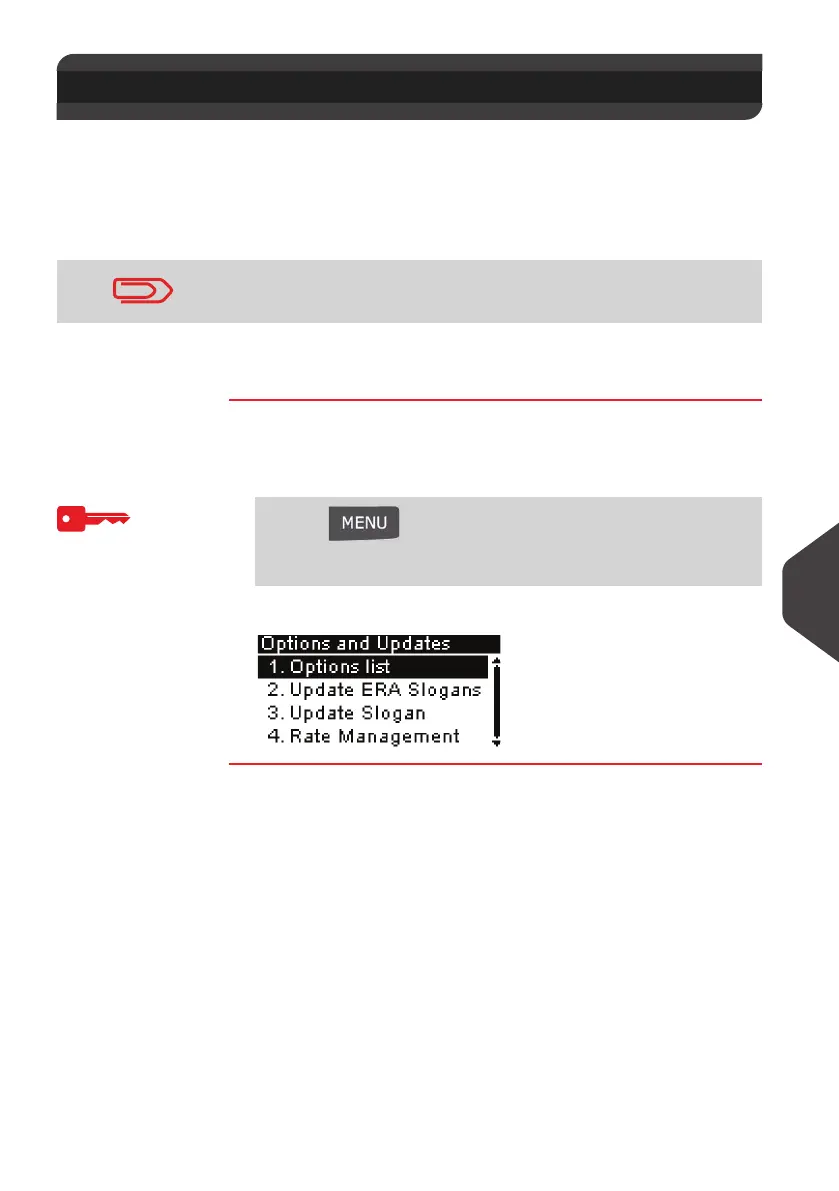
How to Access t he Options and Updates Menu
How to Access
the Options and
Updates Menu
To access to the Options and Updates Menu logged
as Supervisor (See
How to Log in as Supervisor
p.120):
1 Either:
The
Options and Updates
menu is displayed.
10.1 Options and Updates Process
To update your mailing system's operating system, see
Online
Services
p.97 .
Press and type 8
Or
Select the path: > Options and Updates
ALPHA1_UK.book Page 147 Jeudi, 6. septembre 2012 4:08 16



 To Next Page