Money Operations
60
4
Managing Credit
Checking Credit
You can check the total postage used and the remaining credit in the Meter at any
time, and particularly before mailing sessions, to check that the credits are sufficient
to complete your current task.
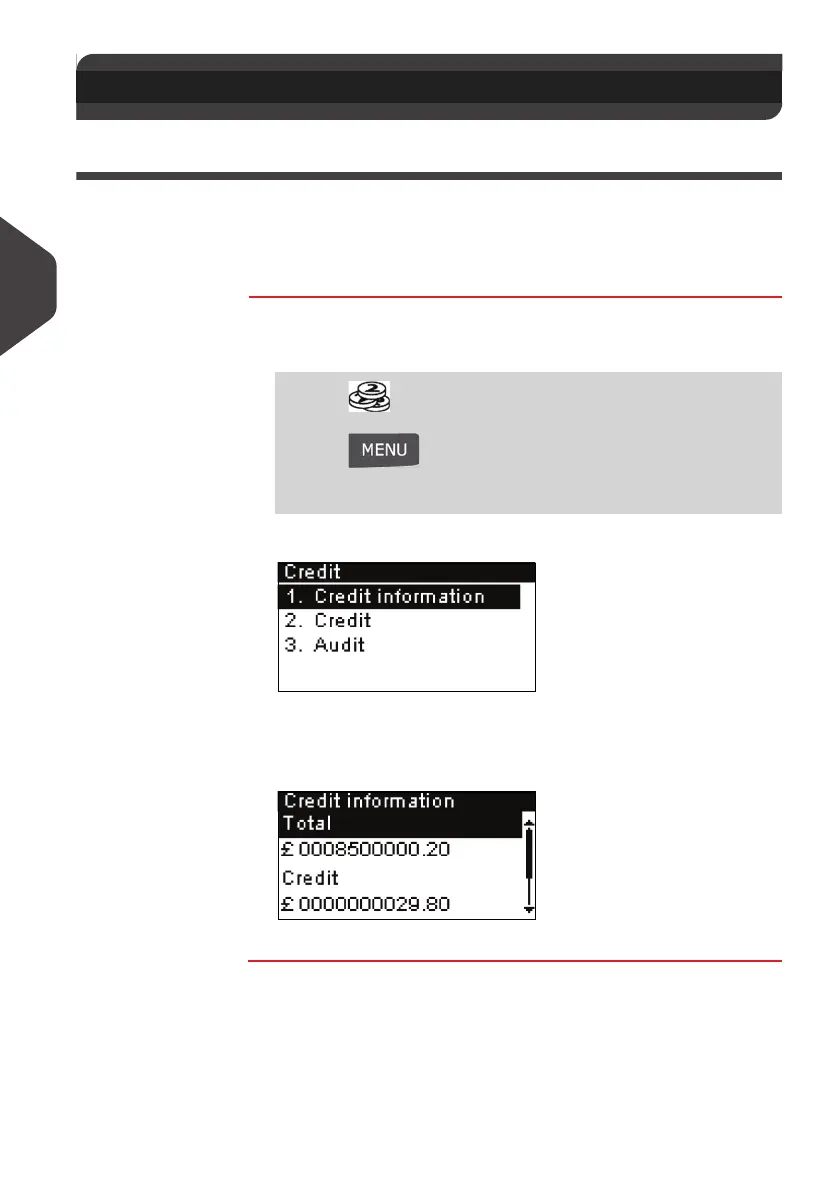
Use the following procedure to display remaining credit.
How to Check the Meter Credits
How to Check
the Meter Credits
To check the credit in the machine:
1 Either:
The
Credit
menu is displayed.
2 Select the menu path:
> Credit information (or type
1 ).
The screen displays the current amounts.
4.2 Managing Credit
Press
Or
Press and type
7
Or
Select the path: > My Credit
ALPHA1_UK.book Page 60 Jeudi, 6. septembre 2012 4:08 16



 To Next Page