Configuring your Mailing System
138
9
How to Edit / Modi fy a Job Memory
How to Edit /
Modify a Job
Memory
To edit or modify a Job memory logged as Supervisor
(See
How to Log in as Supervisor
p.120):
1 Either:
2 Select a job memory in the list.
3 Press [OK] to validate.
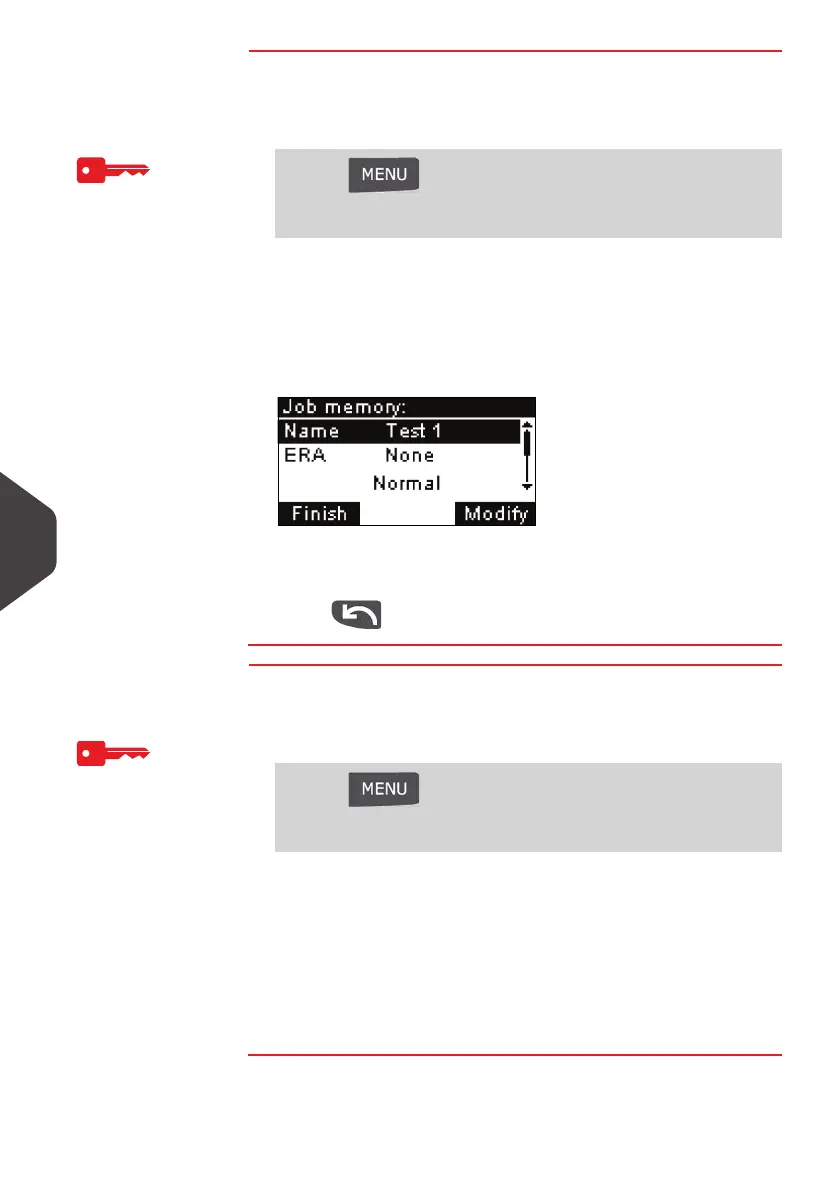
4 Select the menu path > Edit (or type 1 )
The
Job Memory Modification
screen is displayed.
5 Use the arrows to select the parameters, then press [OK] to
modify the parameters.
6 Press to quit.
How to Delete a Jo b Memory
How to Delete a
Job Memory
To delete a Job memory logged as Supervisor
(See
How to Log in as Supervisor
p.120):
1 Either:
2 Select a Job memory in the list of the memorized Job me-
mories.
3 Press [OK] to validate.
4 Select the menu path > Delete (or type 2 ).
5 Press [OK] to confirm to delete the Job memory.
Press and type 4
Or
Select the path: > Job Memory Management
Press and type 4
Or
Select the path: > Job Memory Management
ALPHA1_UK.book Page 138 Jeudi, 6. septembre 2012 4:08 16



 To Next Page