980 DP Video Generator - User Guide Rev. A4
Page 106 July 14, 2014
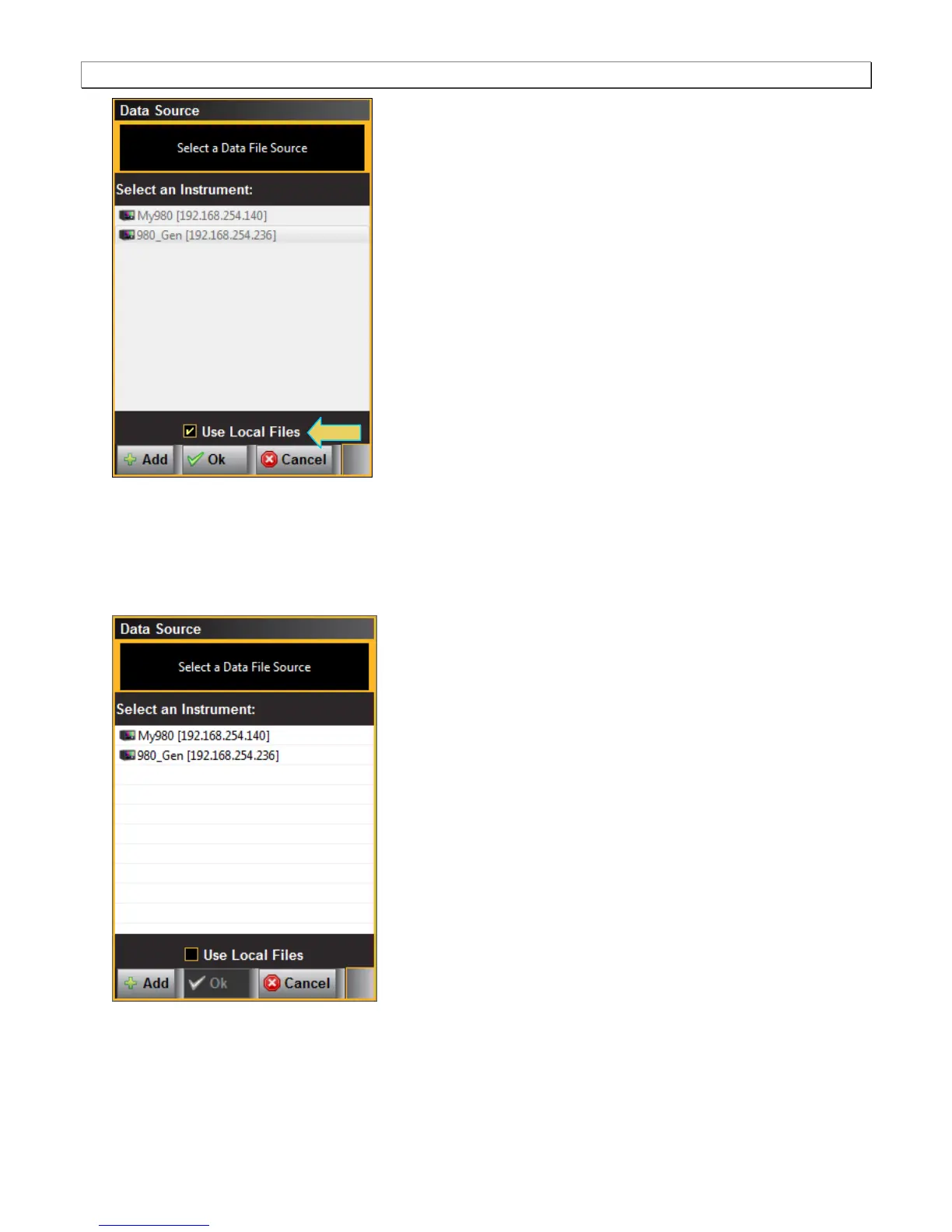
3. Select the instrument that you want to use as the source of your test patterns. (If there are multiple 980s on the
network you will have to choose which one.) Note that if you are using the Pattern List Editor on the external
980 GUI Manager, the custom Pattern List is stored on the host PC not the 980 instrument itself.
Note that you will have to deselect Use Local Files in order to select a 980. If you do not de-select Use Local
Files, then you will be using test patterns on your host PC to create your list.
4. Click OK to continue.
The left side window of the Pattern List Editor will display the files on the 980 DP Video Generator module in
the Standard directory. The panel on the right (Data List) is a list of test patterns in your custom list.



 To Next Page