980 DP Video Generator - User Guide Rev. A4
Page 37 July 14, 2014
3.8 Selecting Test Patterns
Use the following procedures to select a test pattern.
To select a test pattern:
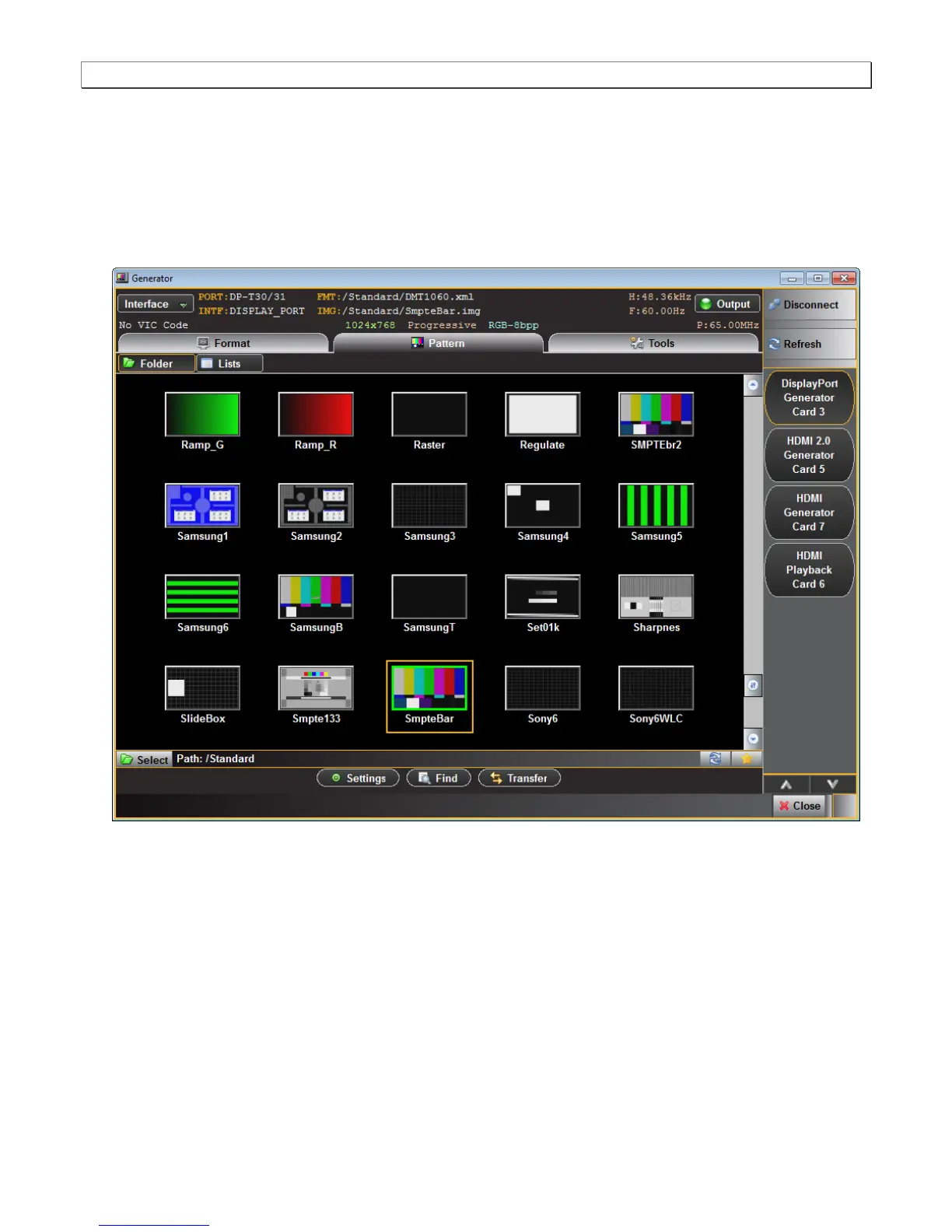
1. From the main window of the 980 DP Video Generator module, click the Pattern tab to access the list of test
patterns.
2. Select a test pattern from the list by clicking or selecting it. There is a scroll bar on the right to allow access to
the entire list by browsing.
You can either scroll through the list of test patterns or use the Find feature to search for patterns. When you
press the Find activation button, you are presented with a dialog window where you can search for a pattern
by name using initial and mid string partial searches (below).



 To Next Page