980 DP Video Generator - User Guide Rev. A4
Page 38 July 14, 2014
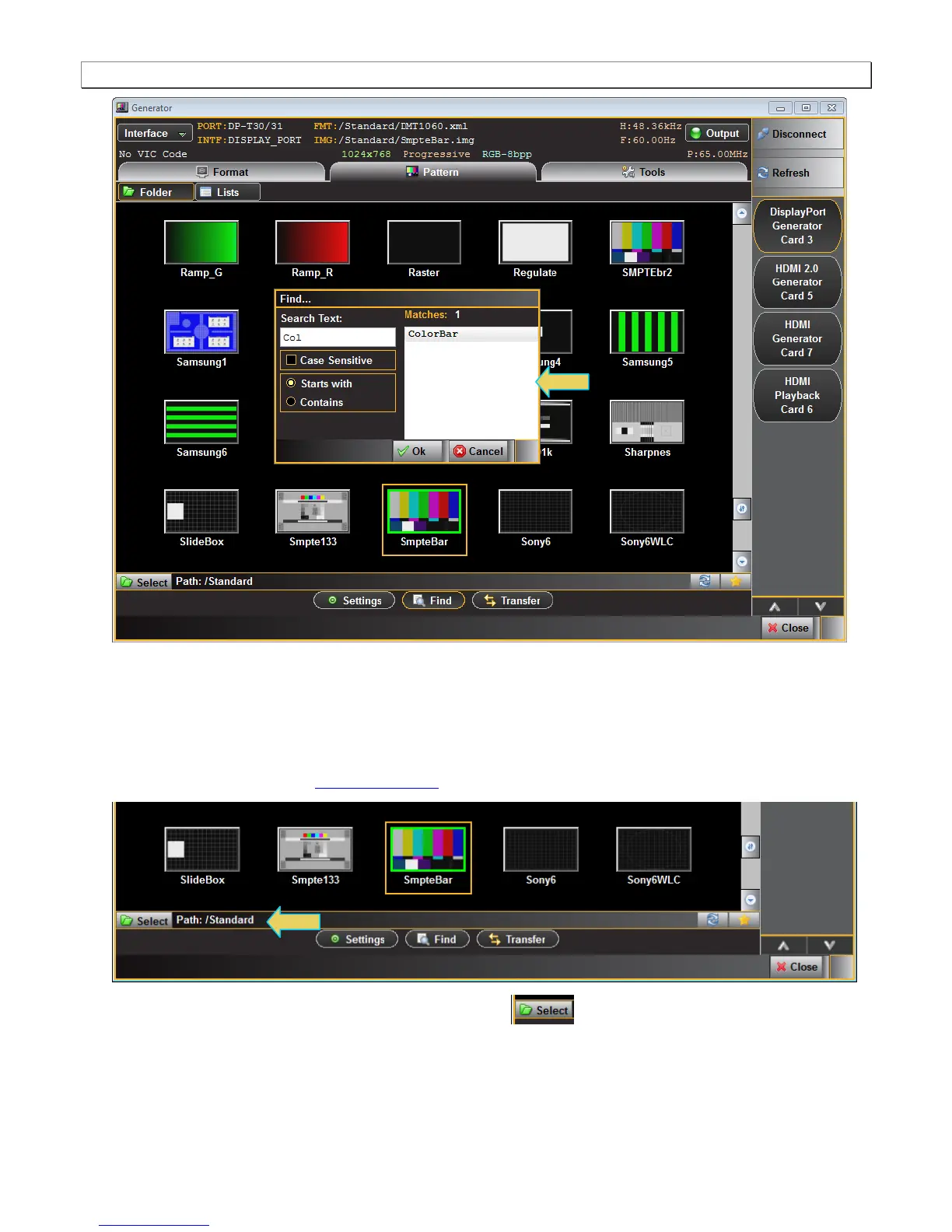
The directory whose images (patterns) are being displayed is listed in the lower panel as indicated below. In
the example below, the path is set to Standard which will display the entire test pattern library and is the default
path.
You might wish to change the directory path if you have added your own bitmap patterns and wanted to select
them without scrolling through the complete list. You may also have created a custom Pattern List using the
Pattern List Editor. Refer to Pattern List Editor for details on creating a custom Pattern List.
You can change the directory path with the directory icon . When you select the directory icon a
dialog box will appear allowing you to select the alternative path such as the User path shown in the dialog box
below.



 To Next Page