980 DP Video Generator - User Guide Rev. A4
Page 155 July 14, 2014
7.9 Creating a new format using the Format Editor
The procedure below describes how to create a new format using the Format Editor.
To create a new format using the Format Editor:
1. Access the Format Editor using the procedures described in Accessing the Format Editor.
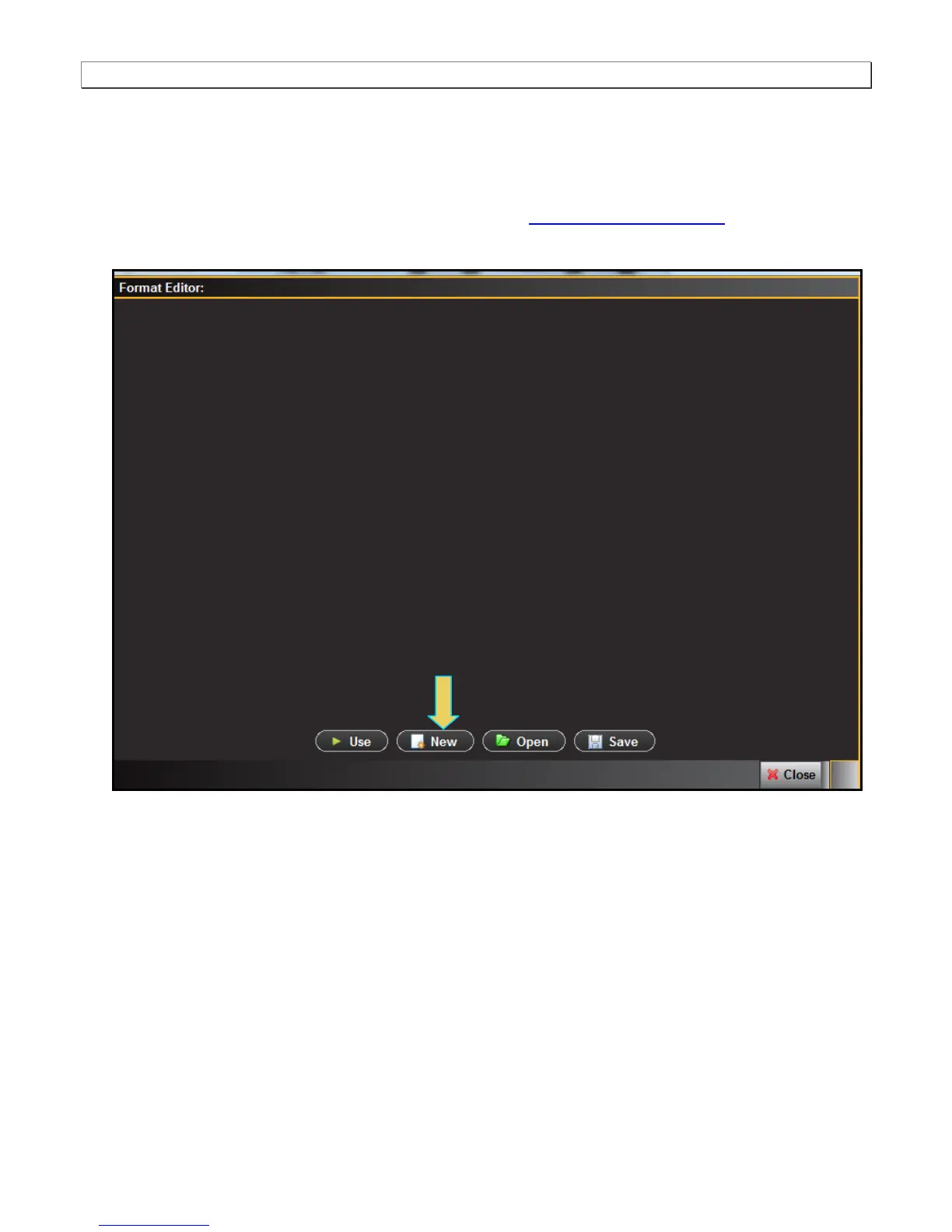
The Format Editor appears.
3. Click the New activation button on the bottom of the panel (indicated above).
The Timing tab of the format definition page appears as shown below.



 To Next Page