980 DP Video Generator - User Guide Rev. A4
Page 135 July 14, 2014
7.2 Format Editor - Basic Window Configuration and Operation
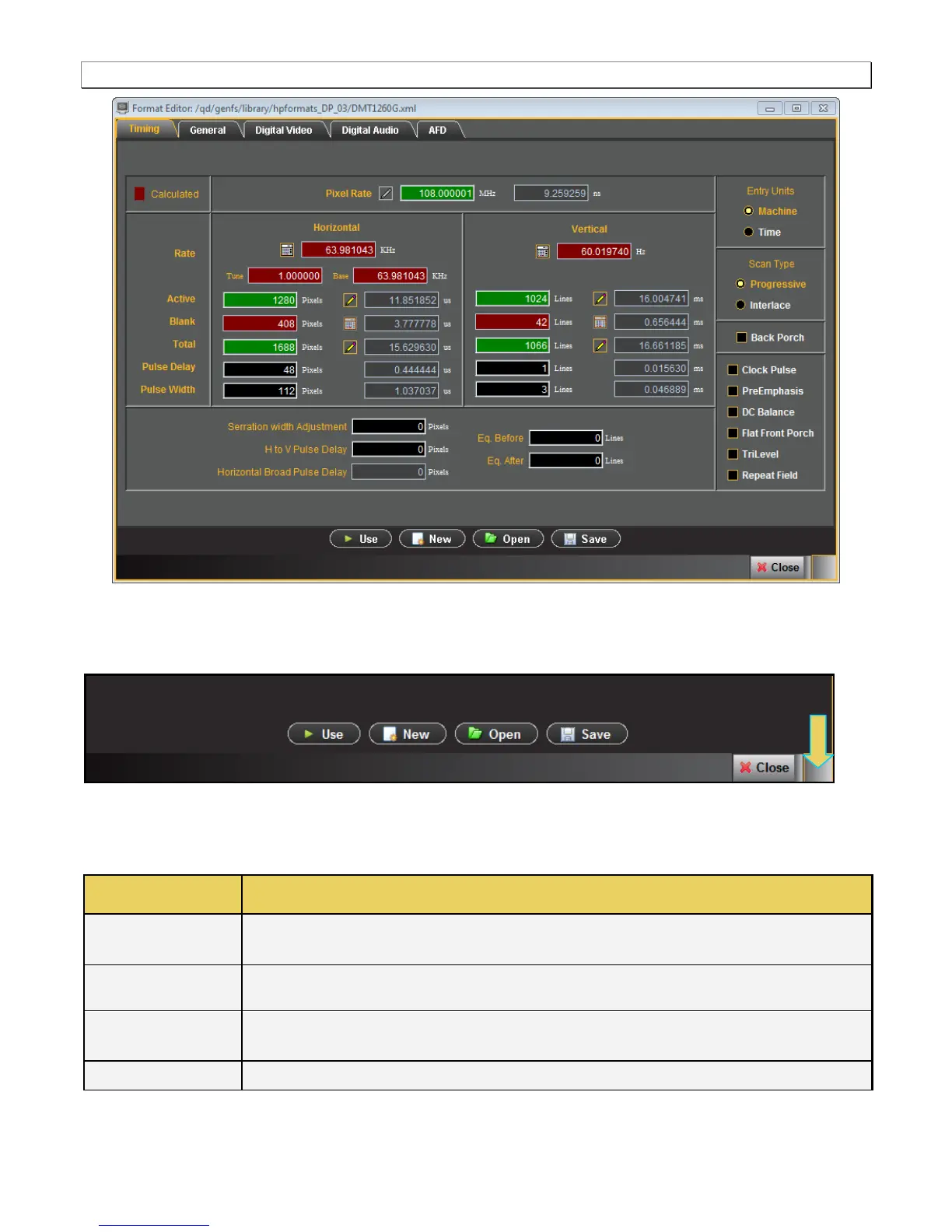
You can resize the window using the square area on the lower right side (indicated below).
7.2.1 Format Editor – Lower Activation Buttons
The following table describes the Format Editor menu buttons.
Activates the custom format you create.
Opens up the New Format at the Timing tab. Enables you to create new formats. This is equivalent
to selecting the New Format from the File menu.
Enables you to browse to and open an xml format file on your PC. This is equivalent to clicking on the Open
activation button.
Enables you to save an xml format file on your PC. This is equivalent to clicking on the Save activation



 To Next Page