980 DP Video Generator - User Guide Rev. A4
Page 109 July 14, 2014
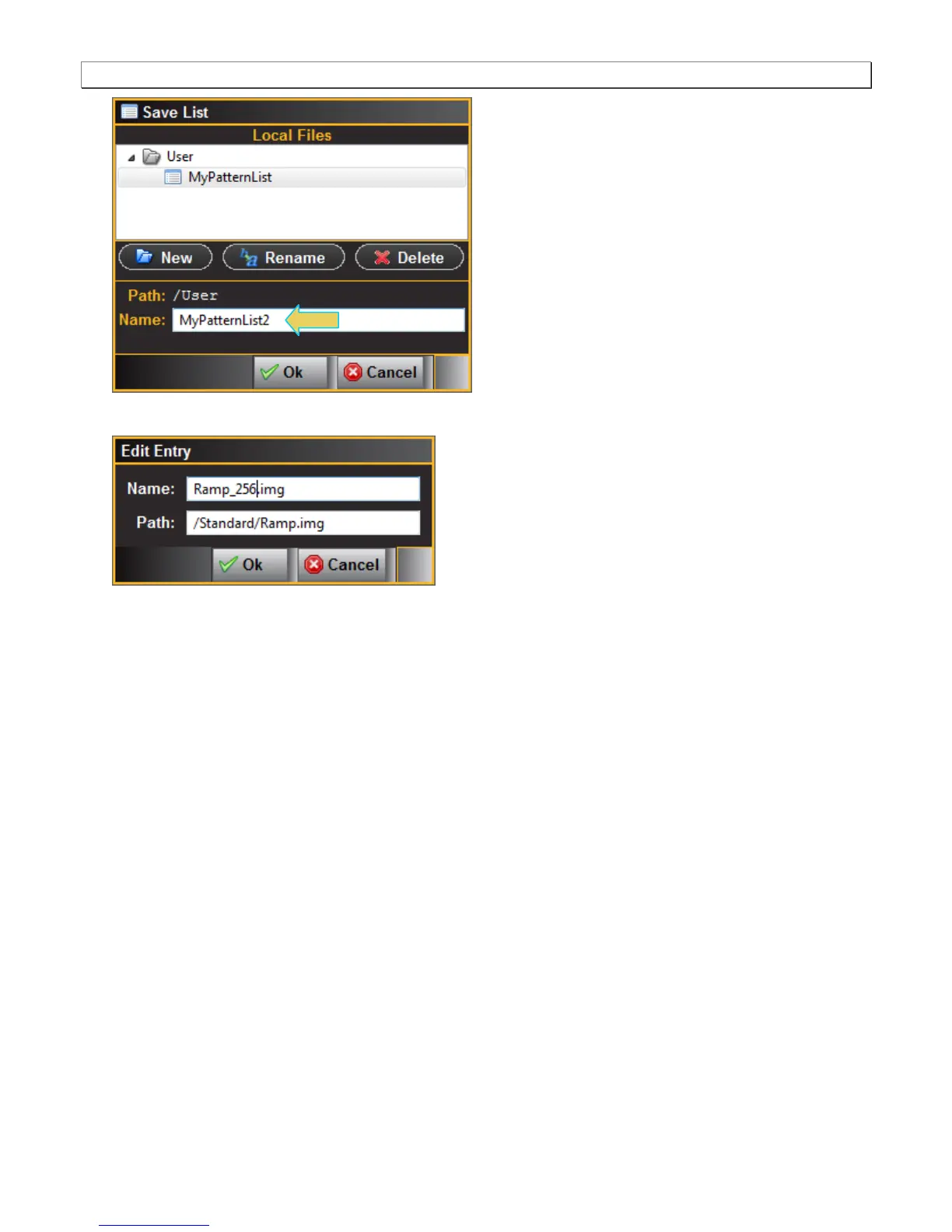
6. Click on the pattern name if you wish to rename it.
5.2 Applying a custom Pattern List
This subsection describes how you can apply a custom pattern list that you have created. Often you will have
created the pattern list on your host PC but you may wish to apply it on the 980 instrument itself. In order to do this
you will have to transfer the pattern list from your host PC to the 980/980B prior to using it. The procedure below
describes these steps.
To apply an existing Pattern List:
1. Navigate to the Navigate/Images tab.



 To Next Page