980 DP Video Generator - User Guide Rev. A4
Page 164 July 14, 2014
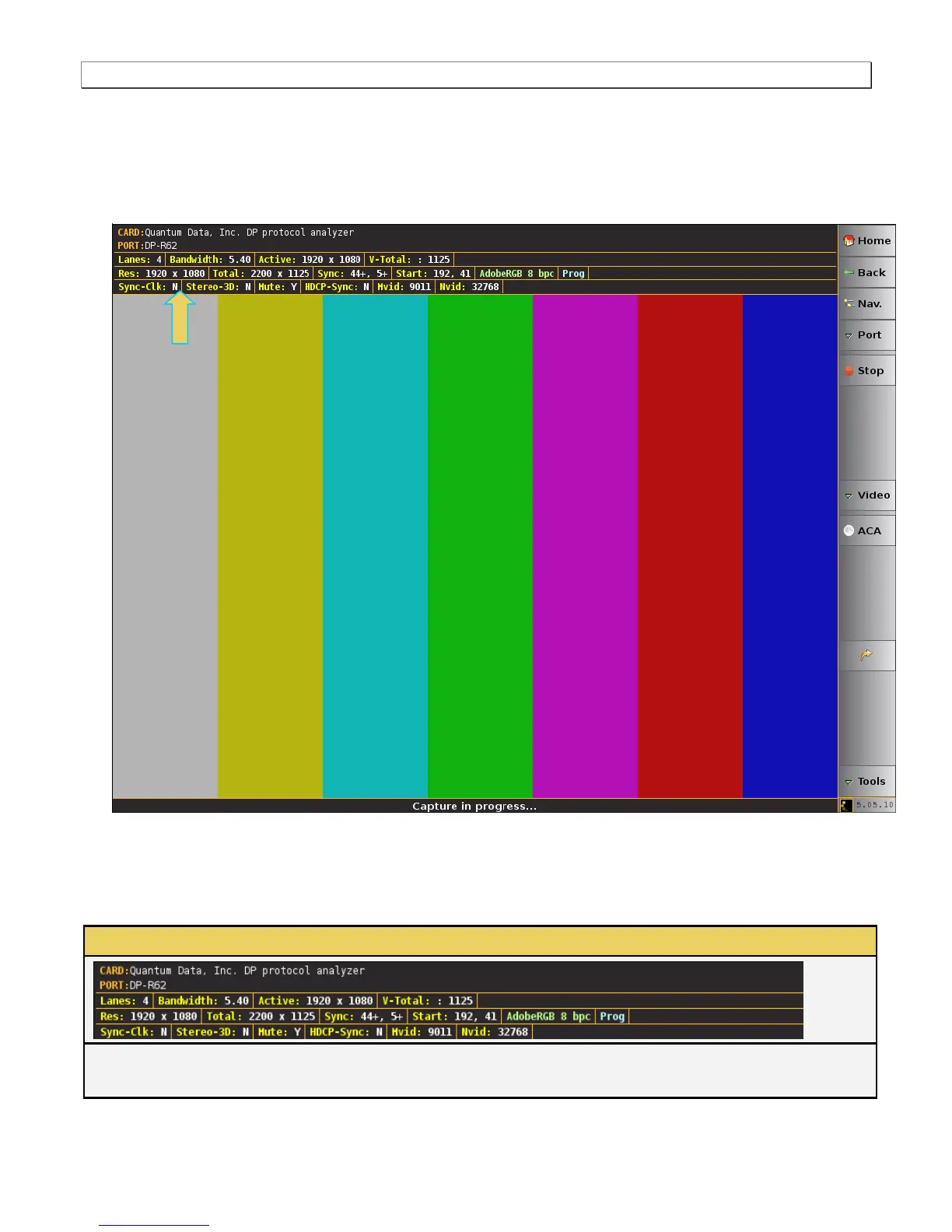
The Analyzer panel appears showing the incoming video image. (Note a test pattern is shown in the example
below). The module’s Rx analyzer port provides periodic video frame captures enabling you to view frames of
video. This feature provides a basic confidence test to verify that the incoming video is essentially correct.
There is a dashboard on the top of the panel indicating the essential video characteristics. There is a set of
controls on the right.
8.2 Network Analyzer Dashboard
This subsection describes the dashboard components on the top of the Network Analyzer panel. Refer to the table
below for a description of these components.
Network Analyzer – Dashboard Items
The following items are on the Real Time dashboard:
Top Row Items – Module and Port:



 To Next Page