980 DP Video Generator - User Guide Rev. A4
Page 159 July 14, 2014
7.10 Modifying an existing format using the Format Editor
The procedure below describes how to make a few changes on an existing format using the Format Editor. This
enables you to quickly run tests a display by tweaking a few timing parameters at a time.
To modify an existing format with the Format Editor:
1. Access the Format Editor using the procedures described in Accessing the Format Editor.
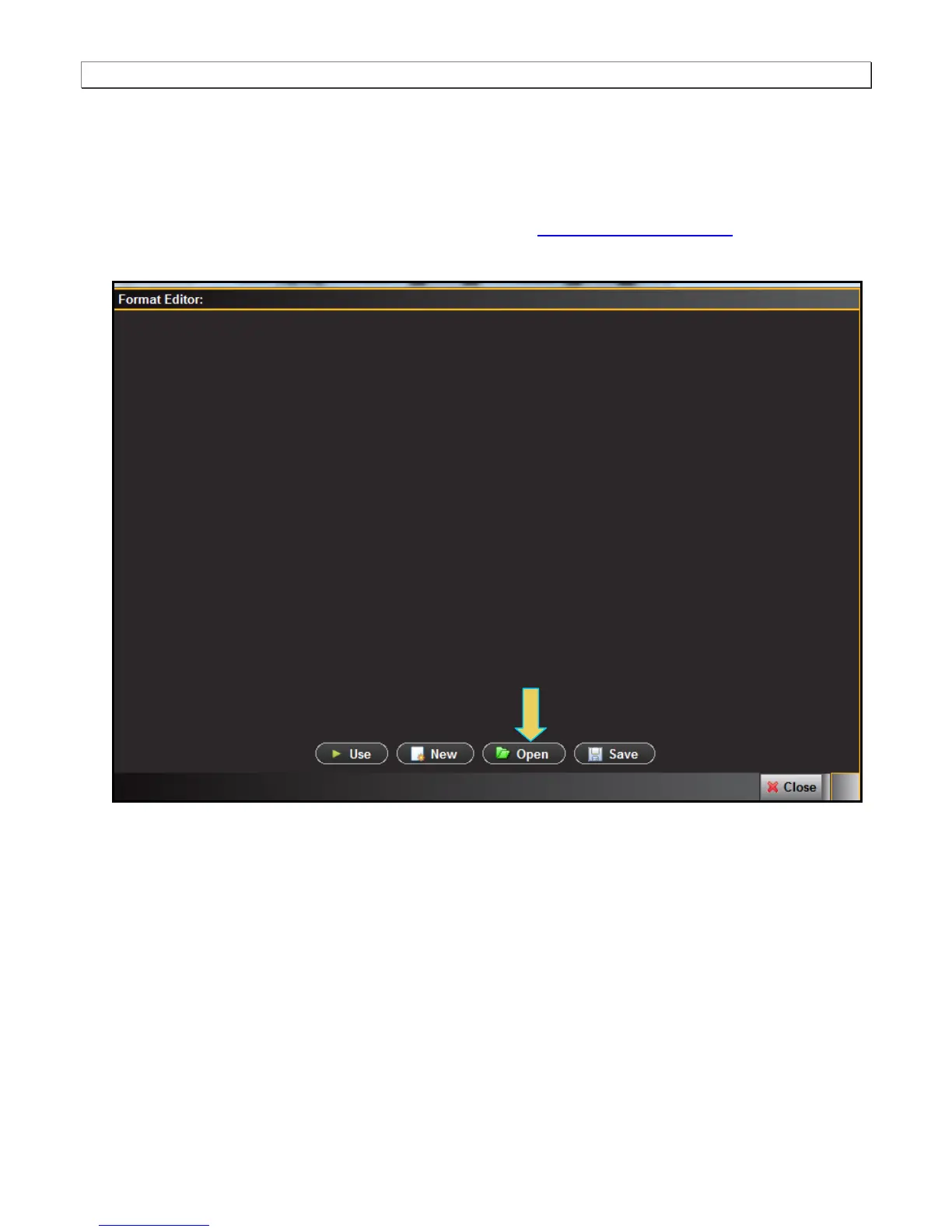
The Format Editor appears.
4. Click the Open activation button on the bottom of the panel (indicated above).
A dialog box enabling you to scroll and select a format appears as shown below.



 To Next Page