980 DP Video Generator - User Guide Rev. A4
Page 108 July 14, 2014
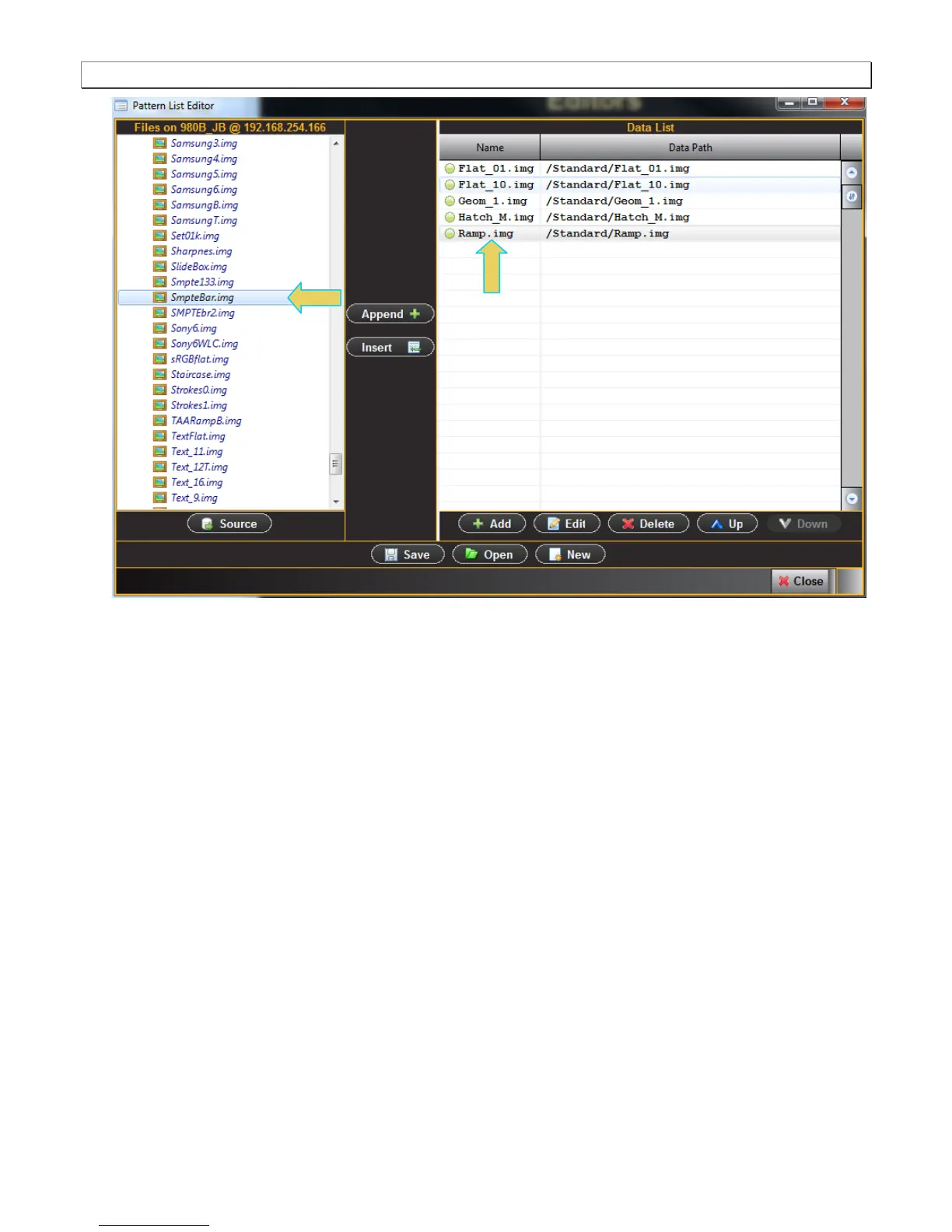
There are three buttons in the middle between the two windows that enable you to configure the test patterns
in your Pattern List. These are defined as follows:
Append – Add a new test pattern to the end of your list.
Insert – Insert a new test pattern into your accumulating list above the test pattern that is highlighted in the
Data List on the right.
Delete – Delete or remove a test pattern from your list.
5. Click on the Save activation button when you are done configuring your custom list. You will be asked to enter
a name for your new Pattern List. Use the Name field provided (below).



 To Next Page