980 DP Video Generator - User Guide Rev. A4
Page 111 July 14, 2014
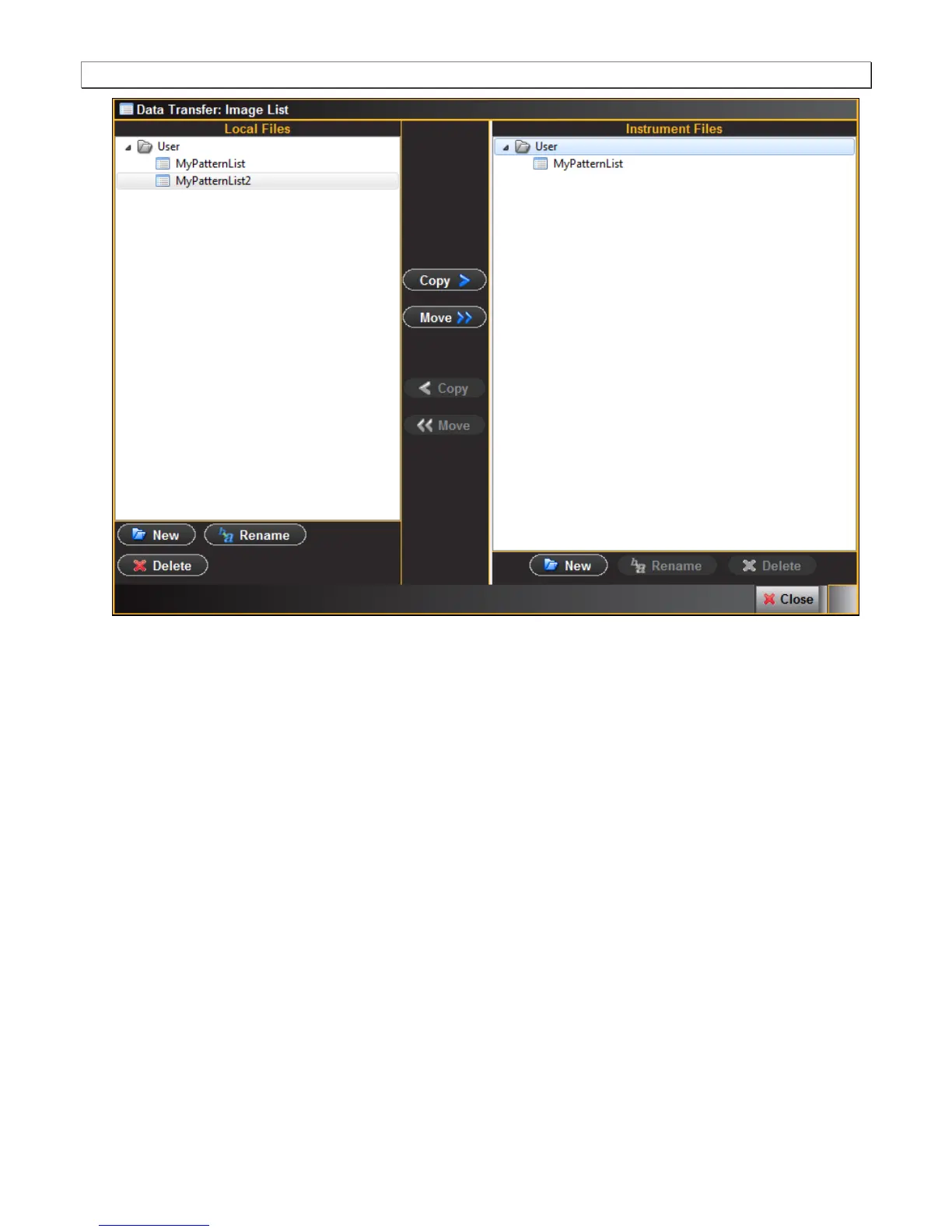
3. Transfer the Pattern list from the Local Files on the left side to the Instrument files using the Copy or Move
button. Note that you will have to highlight a directory on the Instrument Files panel in order to enable the Copy
or Move button. In this case since you are using the external 980 GUI Manager, the “Local Files” are the files
stored on the Host PC. The following screen shows the result:



 To Next Page