980 DP Video Generator - User Guide Rev. A4
Page 169 July 14, 2014
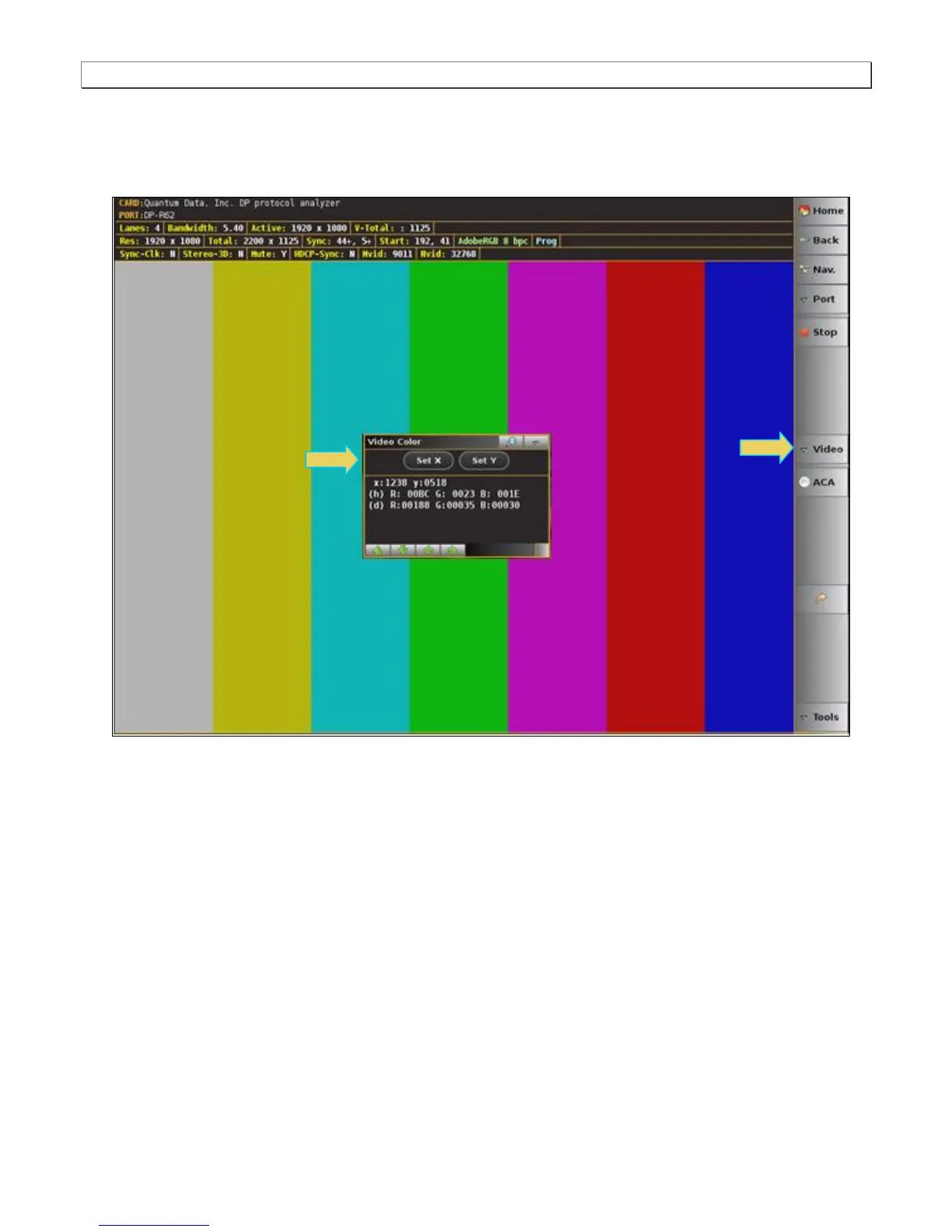
8.5.2 Determining the pixel values
The 980 DP Video Analyzer enables you to determine the color values of any particular pixel.
1. Access the Color dialog box from the Video fly-out menu.
2. Move your finger or stylus to a location on the video. You can also move to the adjacent pixels with the green
arrow buttons provided in the dialog box.
3. Read the pixel values on the dialog box provided. The pixel values (X for the horizontal – Y for the vertical) are
provided in both hex and decimal.
8.5.3 Setting the video image size and aspect ratio
The 980 DP Video Analyzer enables you to set the size and aspect ratio of the incoming video image.
1. Access the Image Scale dialog box from the Video fly-out menu.



 To Next Page