980 DP Video Generator - User Guide Rev. A4
Page 49 July 14, 2014
Note: Make sure the DP Video Generator Card is selected.
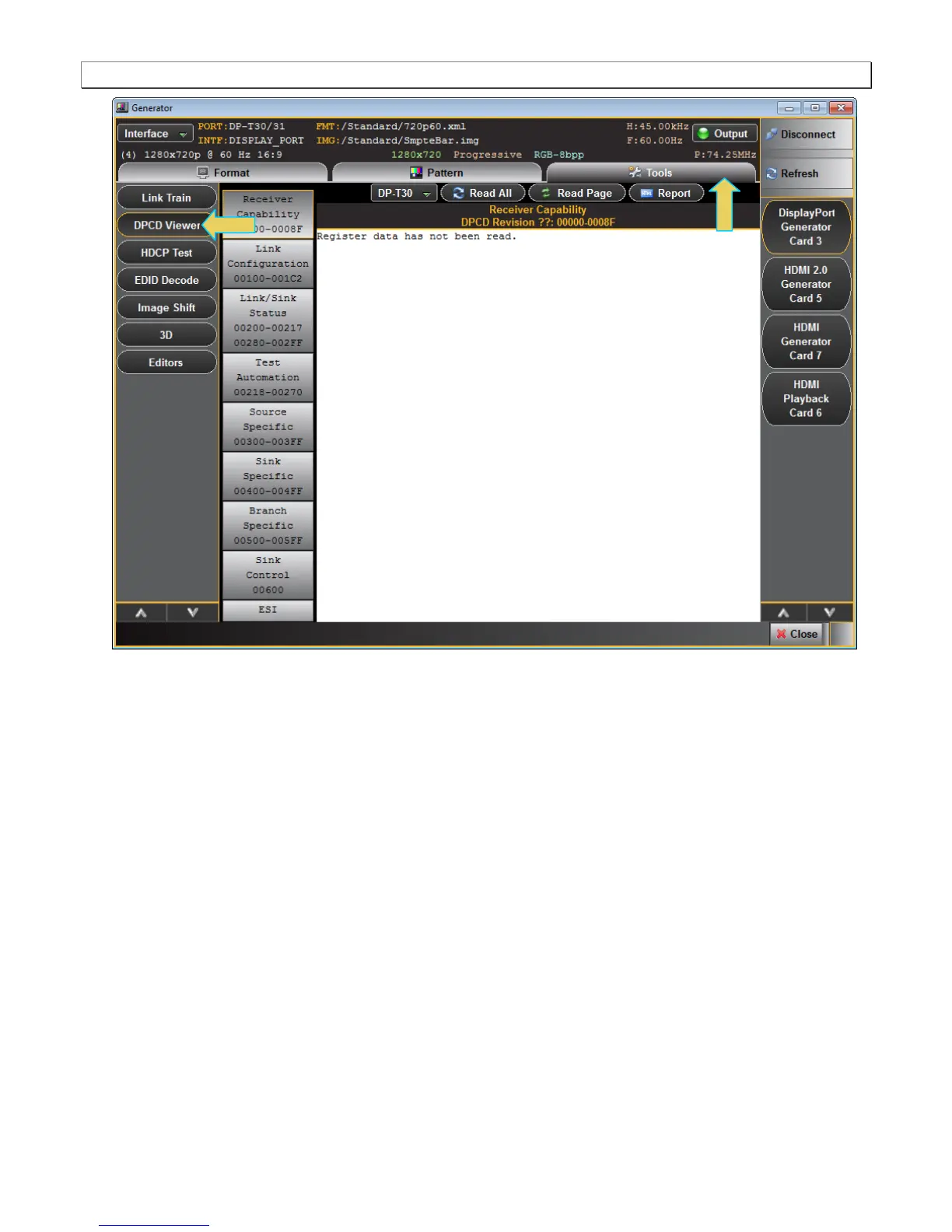
2. Select the DP Tx port that is connected to the sink DUT from the pull-down menu provided (below). The
naming convention used is:
3. DP is the interface selected, T indicates that it is a Transmit port (there will be a Receiver port on this module in
the near future); 3 indicates the Slot number (starting at 1); 1 or 0 indicates the Port number (starting at 0).



 To Next Page