980 DP Video Generator - User Guide Rev. A4
Page 69 July 14, 2014
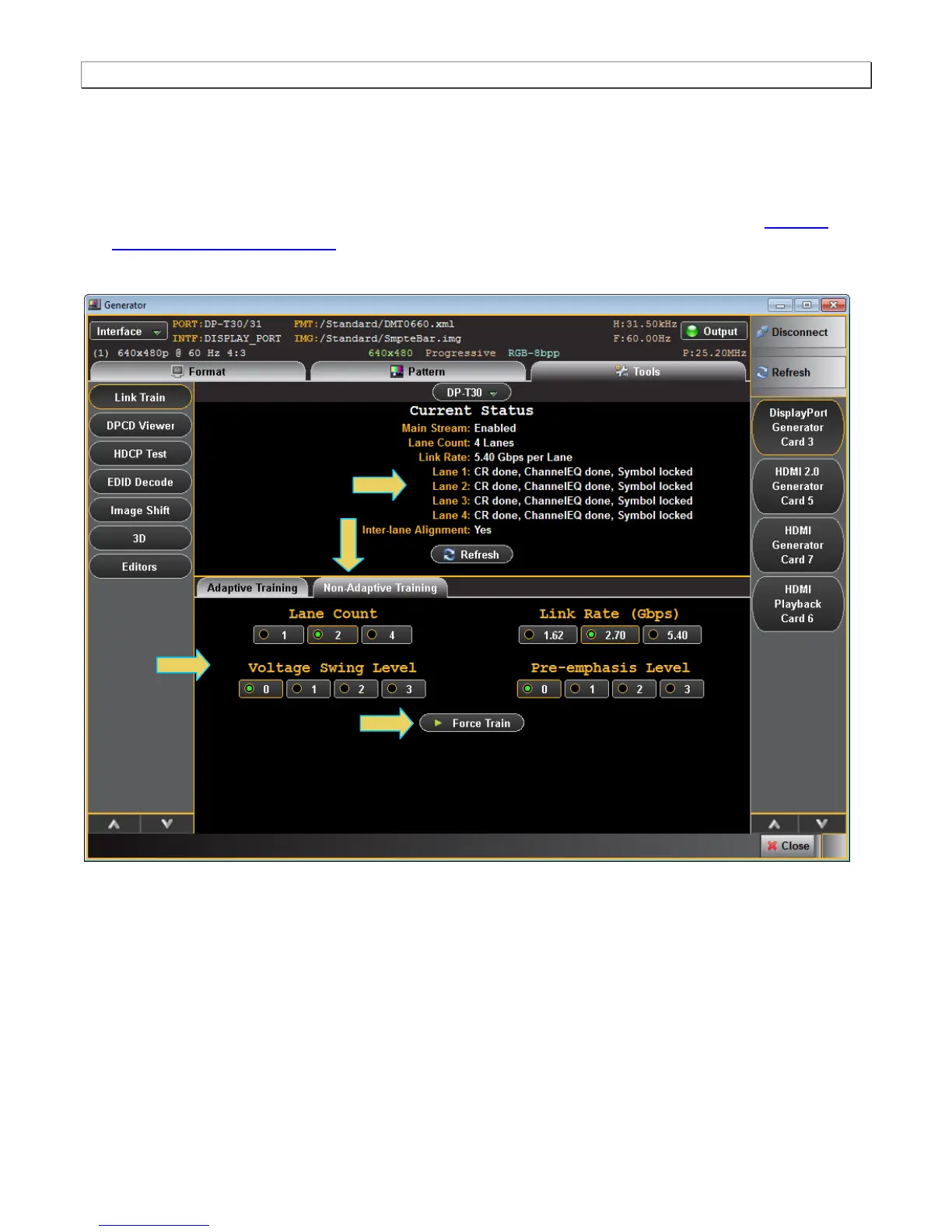
6. Optionally, select the Non-Adapative link training mode using the tab provided.
7. Specify the Lane Count, Link Rate, Voltage Swing Level and Pre-emphasis level parameters.
8. Click on the Force Train activation button to initiate the link establishment using the parameters you have
specified.
Note: You can monitor the link training transactions with the Auxiliary Channel Analyzer (ACA) Auxiliary
Channel Analyzer (ACA) Utilities if desired.
A few examples are shown below with various settings and the resulting status.



 To Next Page