980 DP Video Generator - User Guide Rev. A4
Page 97 July 14, 2014
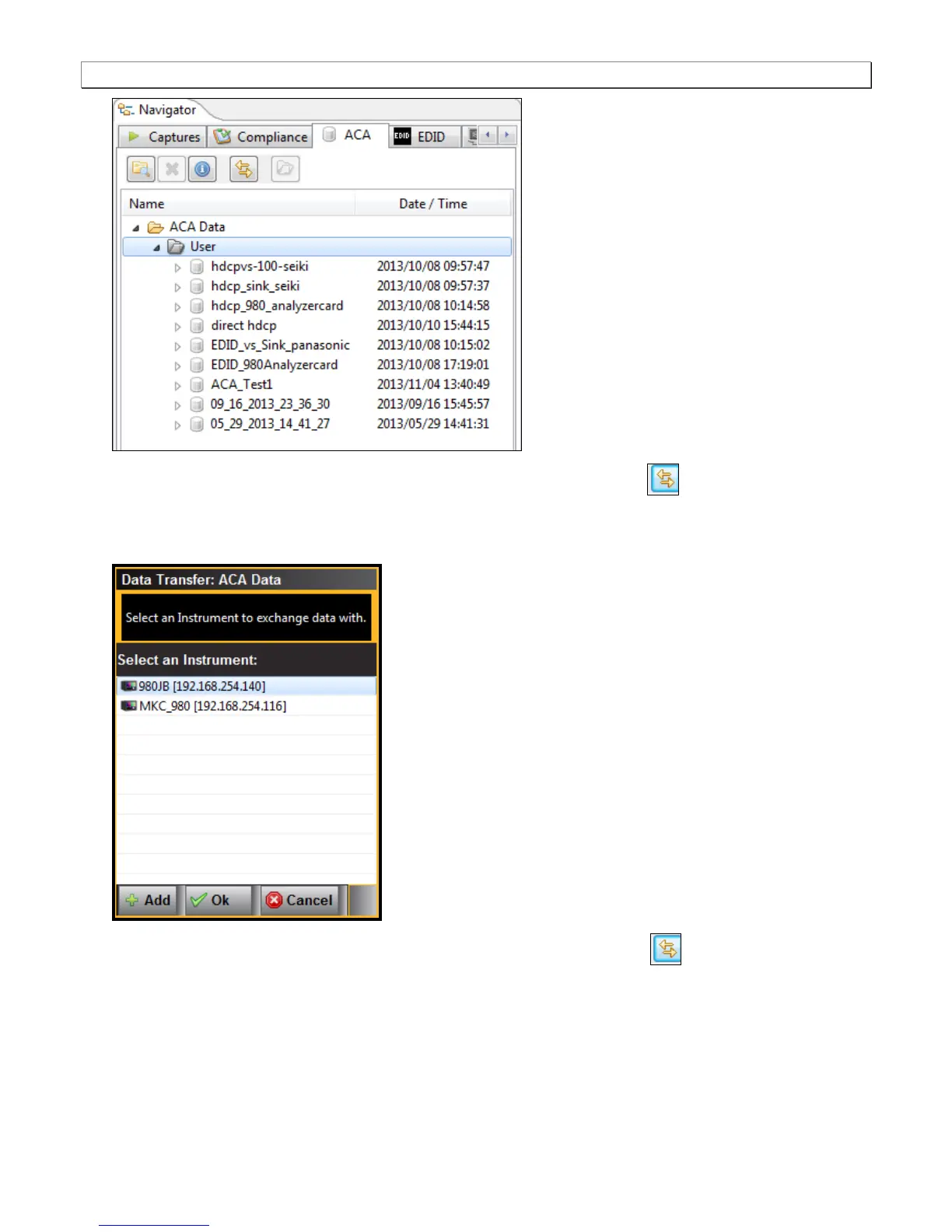
3. Access the Data Transfer utility by double clicking on the Transfer Data icon .
The Data Transfer: ACA Data dialog box appears (below) enabling you to select the 980 that you want to
transfer data from. Select the desired 980 and click OK. The Data Transfer: ACA Data panel will appear.
4. Access the Data Transfer panel by double clicking on the Transfer Data icon .
5. The Data Transfer panel appears in context with the ACA files on the 980 (Instrument) under the Instrument
Files available as shown below.



 To Next Page