Extended Manual for RF919 v2.1
© 2024 page 14 of 63
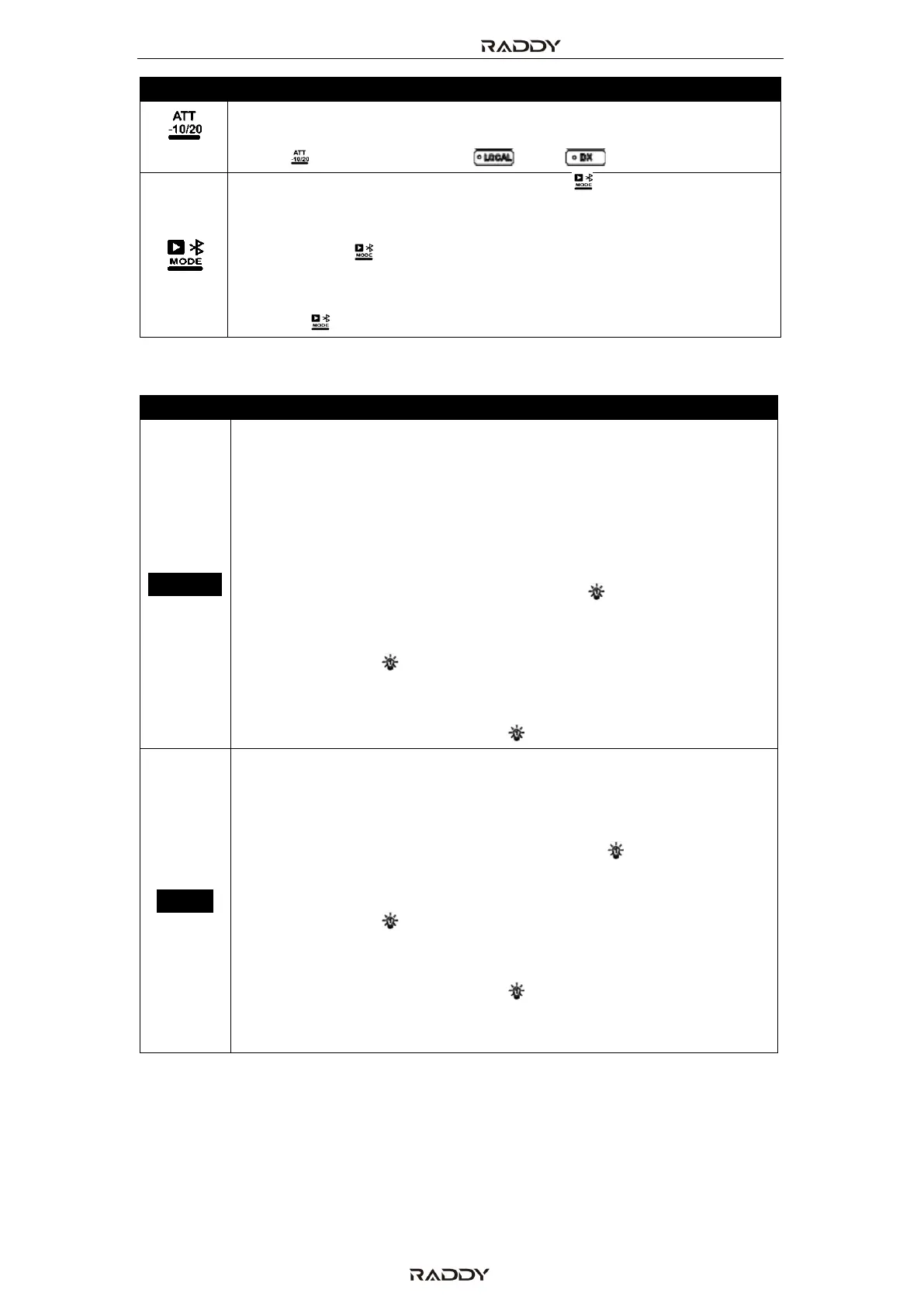
In LW, MW, SW, CB, VHF, WB and UHF mode with neither manual
tuning of built-in antenna nor externa antenna selected, short
press [ ] to switch between “ ” and “ ” mode.
• When the radio is working, short press [ ] to switch between
Bluetooth, TF playback and PC mode (acting as TF card reader
and audio output device for the USB-connected PC)
• Long press [ ] to disconnect Bluetooth when in Bluetooth
mode.
• When the radio is turned off and the time is displayed, long
press [ ] to disconnect APP.
5.2 Buttons below the secondary display
• When the radio is not working but in display mode, long press
[TIME/SET] to set the time using the primary screen. See chapter
13 “Set current date and time” on page 49.
• When the primary screen of the radio is set to be lit for 5-30
seconds in the system settings menu (see chapter 15 “System
settings” on page 52 for details regarding “A-LCD SETTING”),
short press [TIME/SET] to constantly turn on the backlight of the
primary screen. This will be indicated by " " in the lower left of
the primary screen. Short press [TIME/SET] again restore the
backlight time to the value as set within the system settings
menu and the " " will disappear.
In case the system settings time for the primary screen had
been set to “FULL”, the backlight will constantly be on,
regardless of the status of the " " symbol.
• When the secondary screen of the radio is set to be lit for 5-30
seconds in the system settings menu (see chapter 15 “System
settings” on page 52 for details regarding “B-LCD SETTING”),
short press [ALARM] to constantly turn on the backlight of the
secondary screen. This will be indicated by " " in the lower left
of the primary screen. Short press [TIME/SET] again restore the
backlight time to the value as set within the system settings
menu and the " " will disappear.
In case the system settings time for the secondary screen had
been set to “FULL”, the backlight will constantly be on,
regardless of the status of the " " symbol.
• Long press [ALARM] to set the alarm clock. See chapter 14 “Set
alarm time” on page 50.



 To Next Page