Extended Manual for RF919 v2.1
© 2024 page 29 of 63
Rotate the inner tuning knob [ ], the least selected digit starts flashing. As long
as it is flashing, you now can advance to the next digit left to the current one with
a short press of the inner tuning knob [ ]. Rotate the inner tuning knob [ ] to
quickly change the selected digit.
7.3.5 Select meter waves
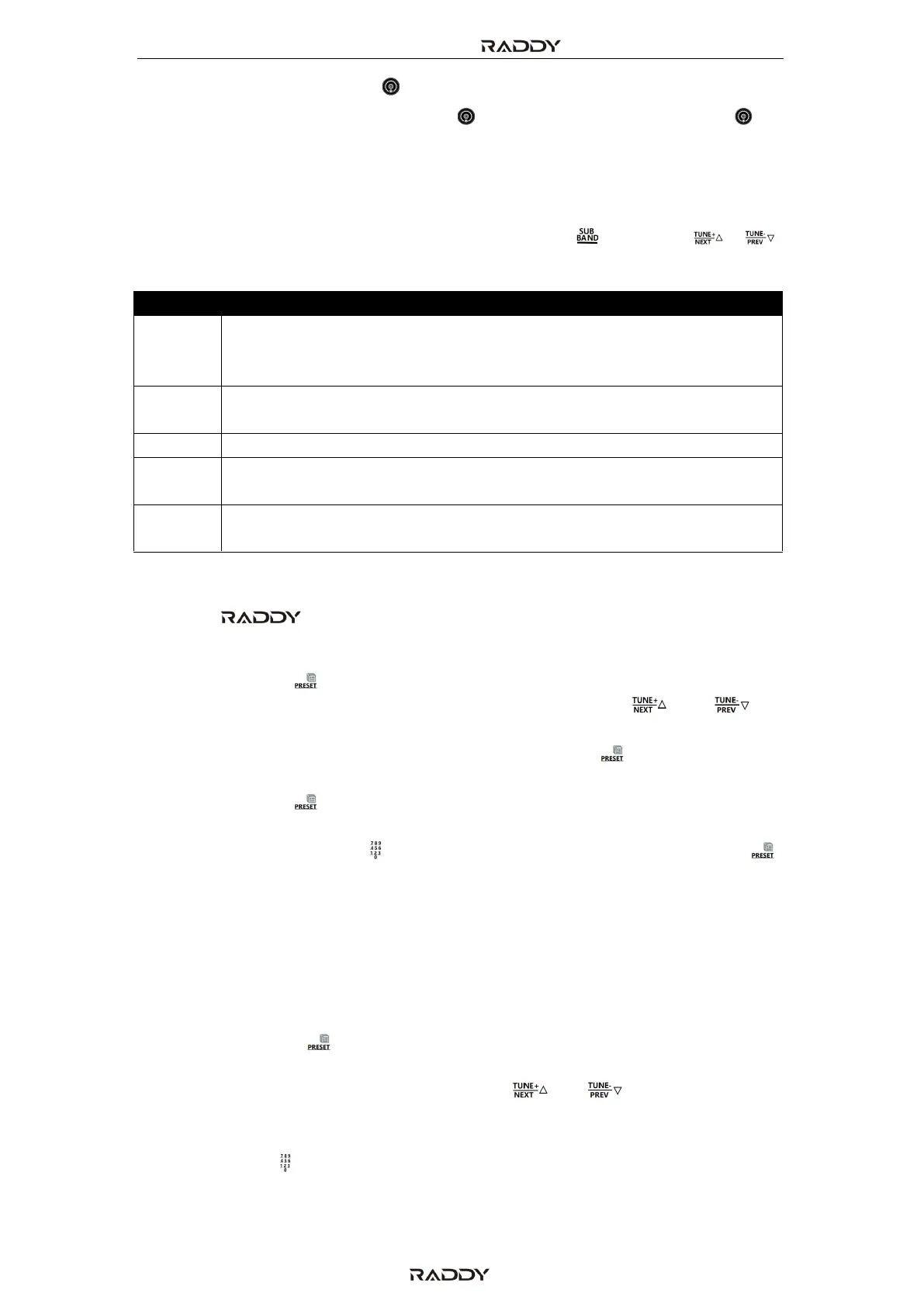
SW, AIR, VHF and UHF have meter waves. Short press [ ] and press[ ], [ ]
or the tuning knob to quickly find the frequency you need.
7.3.6 Store channels manually
When the RF919 is working, select the target frequency as described in
chapter 7.3.4 “Search for active stations” on page 27.
• Long press [ ] for 2 seconds. “CH***” flashes on the primary screen,
with “***” being the current channel. Short press [ ] or [ ] to
choose a channel number for storing channels (or the number of the
channel that should be replaced). Short press [ ] again to confirm
storage at the selected channel.
• Long press [ ] for 2 seconds. “CH***” flashes on the primary screen,
with “***” being the current channel. Using short keypresses of the
numerical keyboard [ ] to input the channel number. Short press [ ]
again to confirm storage at the selected channel.
7.3.7 Recall previously stored channels
Recalling channels is done similar to storing them as described in chapter 7.3.4.3
“Search and store active radio stations using the SCAN-key” on page 28 and 7.3.6
”Store channels manually” on page 29.
• Short press [ ] to enter the mode for recalling a previously stored
channel. When “ CH ***” appears on the primary screen, with “***”
being the current channel., short press [ ] or [ ] to select a channel
number.
• You can also directly enter a valid channel number using the numerical
keyboard [ ], and then confirm your input with the [EN] key. If the entered
channel number is not valid, the primary screen will display “NULL”.
2.3 MHz, 3.2 MHz, 3.75 MHz, 3.9 MHz, 4.75 MHz, 5.73 MHz, 7.1 MHz,
9.25 MHz, 11.5 MHz, 13.57 MHz, 15.03 MHz, 17.48 MHz, 18.9 MHz,
21.45 MHz, 25.67 MHz (15 meter waves)
2.3 MHz, 3.5 MHz, 5.3510 MHz, 7.0 MHz, 10.10 MHz, 14.0 MHz,
18.068 MHz, 21.0 MHz, 24.89 MHz, 28.0 MHz (10 meter waves)



 To Next Page