Extended Manual for RF919 v2.1
© 2024 page 17 of 63
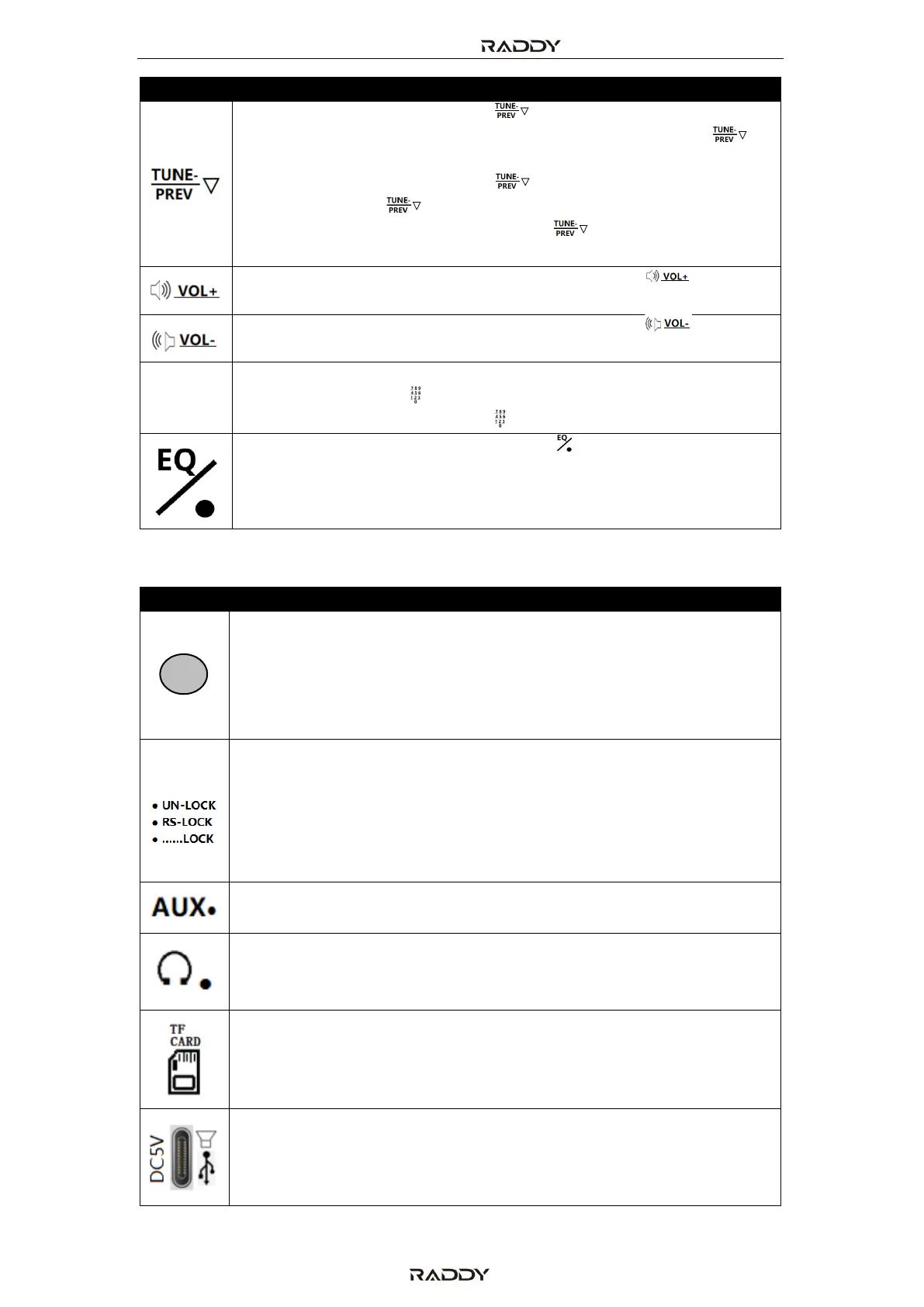
• In receive mode, short press [ ] to progressively decrease
the min step value of frequency at all bands. Long press [ ]
for 2 seconds to search channels down automatically.
• In TF card mode, short press [ ] to play the previous music,
and long press [ ]to play fast-backward.
• In Bluetooth play mode, short press [ ] to play the previous
music.
When the radio is working, short press/long press [ ] to
increase the volume.
When the radio is working, short press/long press [ ] to
decrease the volume.
• In receive mode, short press [EN] to select a frequency using the
numerical keypad [ ] and press [EN] again to confirm.
• In TF card mode, short press [ ] and [EN] to select a track.
When the radio is working, short press [ ] to switch between the
Equalizer modes NORMAL, POP, ROCK, JAZZ, CLASSIC,
COUNTRY and, depending on operating mode NEWS, VOICE,
DAC-ANALOG and CW.
5.5 Buttons and sockets on the right side of the radio
When an external T-shaped antenna is used in MW/SW mode,
align the SignalNoiseRatio (SNR) and
ReceivedSignalStrengthIndicator (RSSI) with the tuning knob
on the right side of the radio. The higher the SNR and RSSI
values are, the better.
• Shift the switch to the “UN-LOCK” position and all keys and knobs
are not locked.
• Shift the switch to the “RS-LOCK” position and the tuning knobs
are locked.
• Shift the switch to the “......LOCK” position and all keys and knobs
are locked (the state of lock)
When the radio is working, insert the 3.5mm external audio
source and listen to the music of the external source.
When the radio is working, insert the 3.5mm TRS plug of the
earphone cable to listen to the radio and deactivate the
internal loud speaker.
When the radio is working, insert a TF card to start playback
the tracks stored on the inserted TF card.
• USB-C Charging jack
• Connect to USB port of PC to operate radio as external TF card
reader and external speaker (radio needs to be powered on and
in “PC” mode).



 To Next Page