Extended Manual for RF919 v2.1
© 2024 page 48 of 63
11.3.3 Bluetooth audio mode
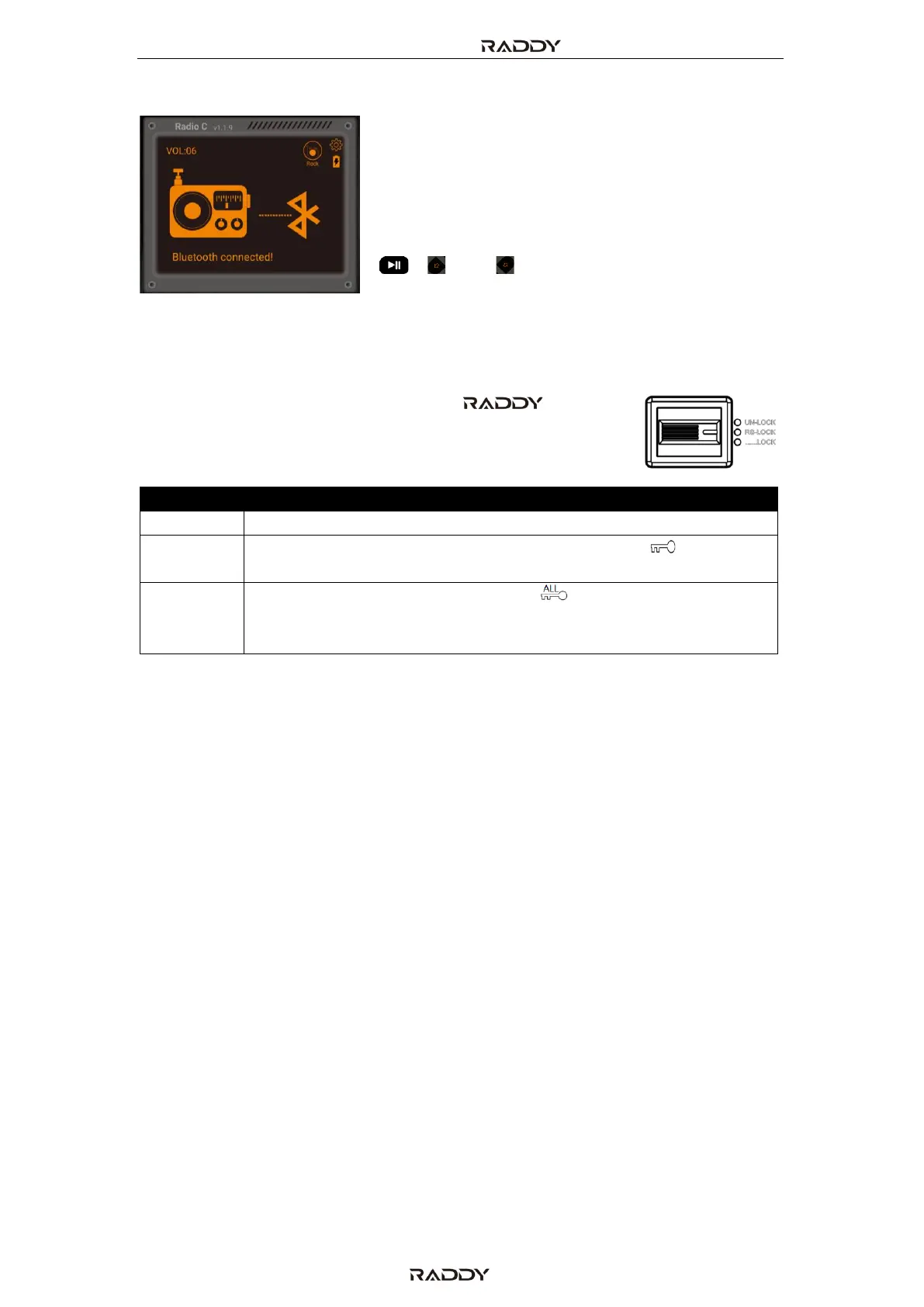
In order to use the Bluetooth audio mode, a
Bluetooth capable audio streaming device needs to
be connected via Bluetooth to the radio. As soon as
the connection is established (message “Bluetooth
connected!”) you can use the normal navigation
keys on your mobile device and the navigation keys
[ ], [ ] and [ ] on the radio to control the audio
playback.
12 Use of the lock button
The slider switch on the right side of the RF919 has
three positions:
All buttons are locked. The symbol “ ” appears on the primary
screen with “ALL” flashing. Now all buttons are locked. However,
it is still possible to operate the radio via the mobile APP.



 To Next Page