Extended Manual for RF919 v2.1
© 2024 page 30 of 63
• To exit this mode, short press the [PRESET] key and the main screen LCD
“PRESET” label disappears to indicate that the mode for recalling previously
stored channels is no longer active.
7.3.8 Delete channels
To delete a channel that is no longer needed, select that channel as described in
chapter 7.3.7 “Recall previously stored channels” on page 29, long press [ ], then
“dEL” appears on the primary screen to indicate that the channel has been
successfully deleted.
7.3.9 Weather Band of North America
Weather Band (WB) is a service provided in North America only. Weather forecasts
from their regional National Weather Service station are broadcasted 24 hours a
day. The network is operated by NOAA (National Oceanic and Atmospheric
Administration) and part of the Emergency Alert System. The information is
repeated every three to seven minutes and updated every one to six hours. It is
only available in the US.
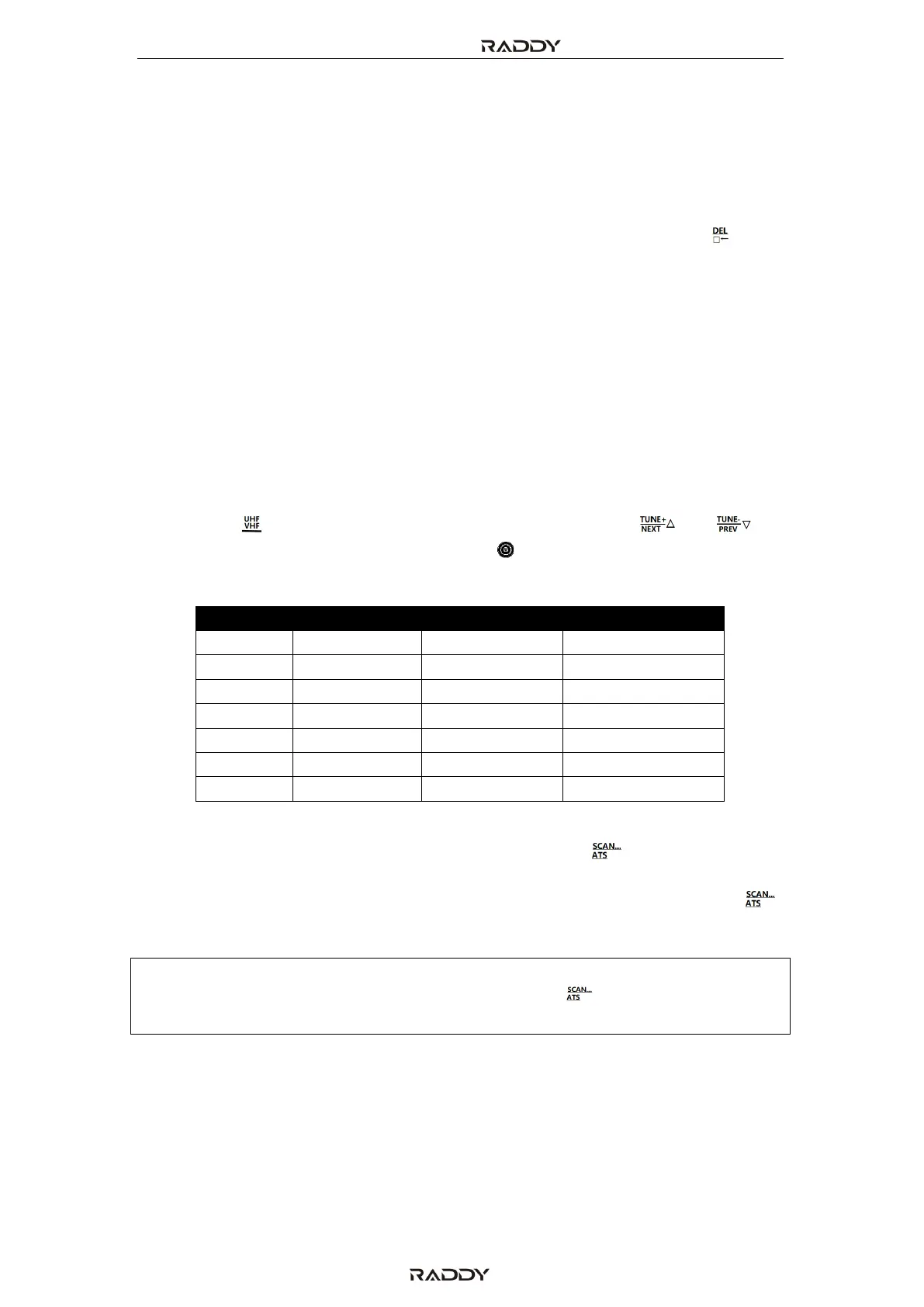
Short press [ ] to switch to Weather Band. Next short press [ ] or [ ] or
rotate the small or the big tuning knob [ ] to select the desired weather
frequency channel. The following table lists the 7 available WB channels:
7.3.9.1.1 Search WB channels automatically
Whenever WB mode has been selected, long press [ ] for 2 seconds to
automatically search the WB channels. “ALE” is flashing on the primary screen.
If no WB channel is found when “ALE” had been activated, again long press [ ]
for 2 seconds to exit the automatic search.
Note: Whenever automatic search is active, all other buttons do not work. You must
use other receiving functions by long pressing [ ] for 2 seconds to cancel
automatic search.



 To Next Page