Extended Manual for RF919 v2.1
© 2024 page 26 of 63
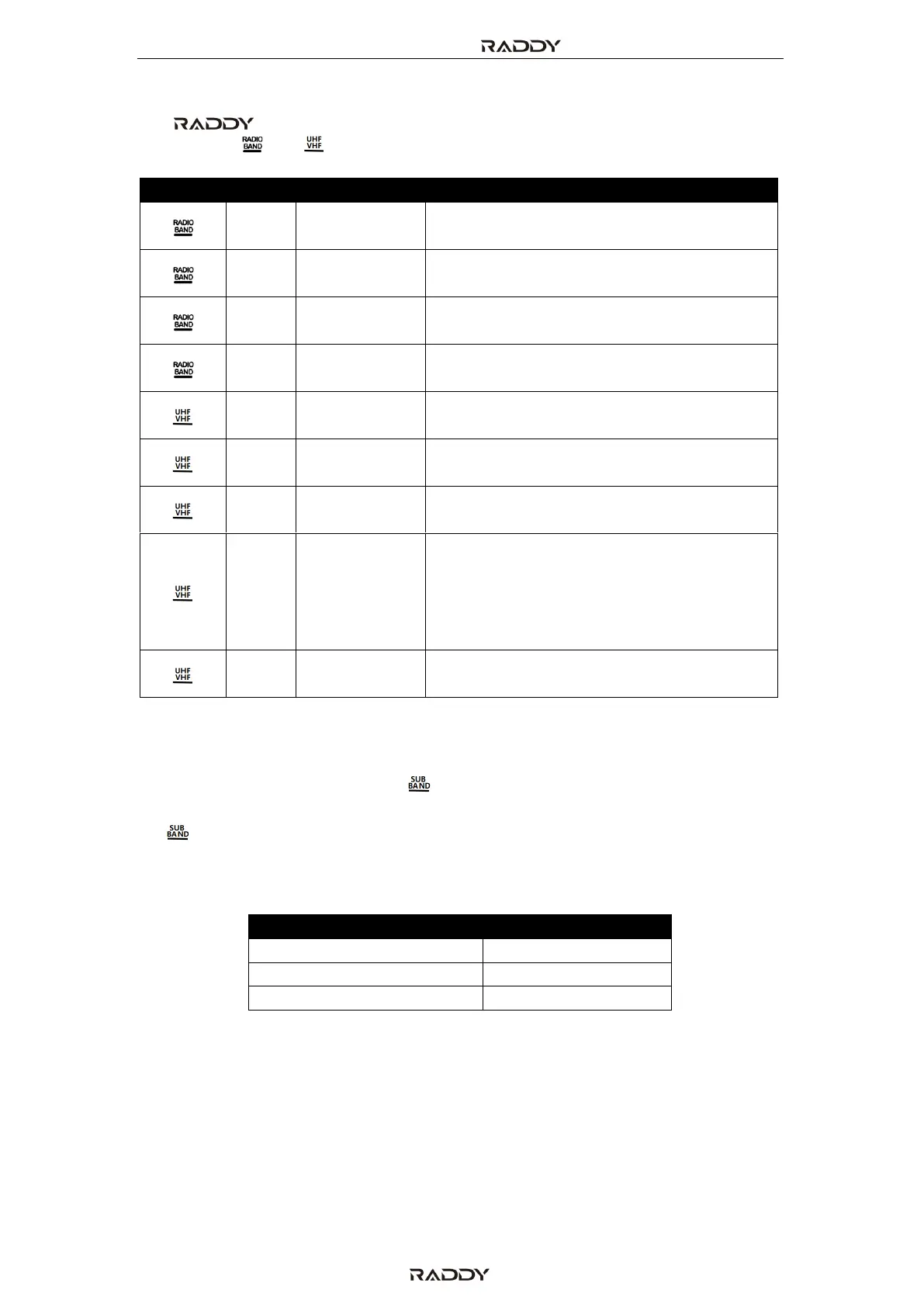
7.3.1 Supported frequency bands
The RF919 does support reception of the following frequency bands.
Short press [ ] or [ ] to select a frequency band.
FM Radio band
Stereo and Wide FM (WFM) demodulation
Short Wave band
AM, LSB and USB demodulation
Middle Wave band
AM demodulation
Long Wave band
AM demodulation
VHF band
NFM demodulation
UHF band
NFM demodulation
Citizen Band
AM demodulation (use the VHF band for
FM demodulation and the shortwave
band for LSB and USB single sideband
demodulation)
Weather Band (North America only)
NFM demodulation
7.3.2 FM frequency starting point
When in FM-mode, short press [ ] to show the FM frequency starting point.
Initially “64.0 MHz” will be displayed on the primary screen. Subsequent pressing
of [ ] will scroll through the three possible values of 64.00 MHz, 76.00 MHz
and 87.5.00 MHz. The stated four digit number represents the frequency
starting point for the FM band.
The finally selected frequency range will be the default one.



 To Next Page