Extended Manual for RF919 v2.1
© 2024 page 54 of 63
16 USB Type-C charging
This product has overvoltage protection function in charging. The maximum
charging voltage is 6.2V. Please use the charging device with an output voltage of
5V DC @ 1…3A to power the radio for charging its batteries. If the RF919
is not in use for a long time, please charge it once a month or remove both
batteries.
Insert the USB cable into the socket on the right side of the radio. “ ” appears
on the primary screen and the charging indication symbol “ ” flashes to indicate
that it is charging the batteries. When the batteries are fully charged, “ ”
appears and stops flashing. The charging time is normally about 4-5 hours.
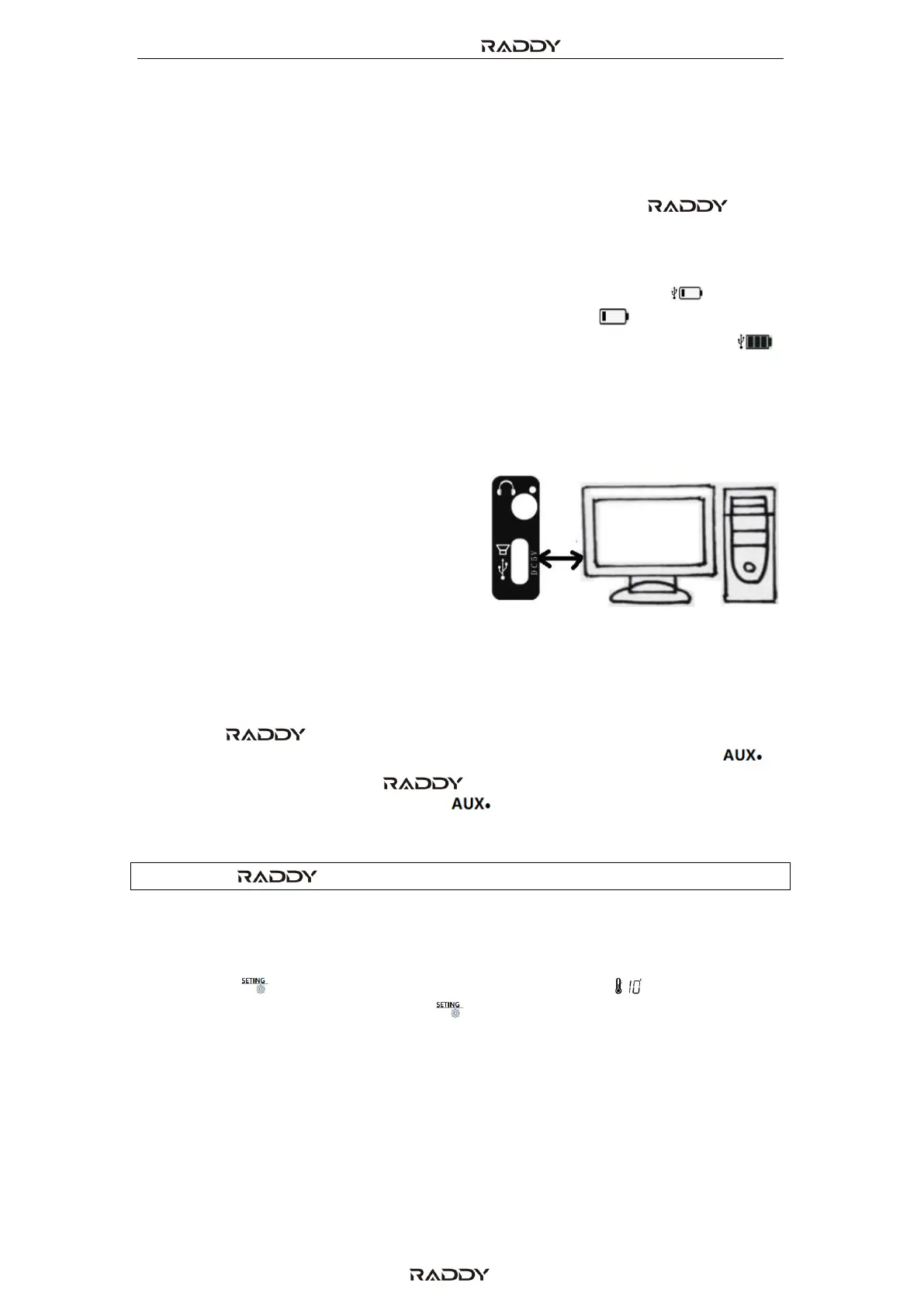
17 Use as TF card reader
When the TF card is inserted into the radio,
connect the radio to the computer using a
USB cable for file transmission and
deletion of files in the TF card. The radio
needs to be turned on and PC mode (“PC”)
needs to be selected.
18 AUX input
When the RF919 is turned on, connect the output of your external
device (such as mobile phone or computer) via a 3.5mm TRS jack to the “ ” -
input on the right side of the RF919. “AUX” appears on the primary
screen, and the signal applied to the “ ” input will be heard on the built-in
speaker of your radio.
Note: The RF919 does not come with any additional 3.5mm audio cable.
19 Temperature display
Short press [ ] to display the current temperature value “ ” in the upper left
of the primary screen. Short press [ ] again to exit the temperature display.
The measured unit is fixed to °C (Celsius).



 To Next Page