Extended Manual for RF919 v2.1
© 2024 page 20 of 63
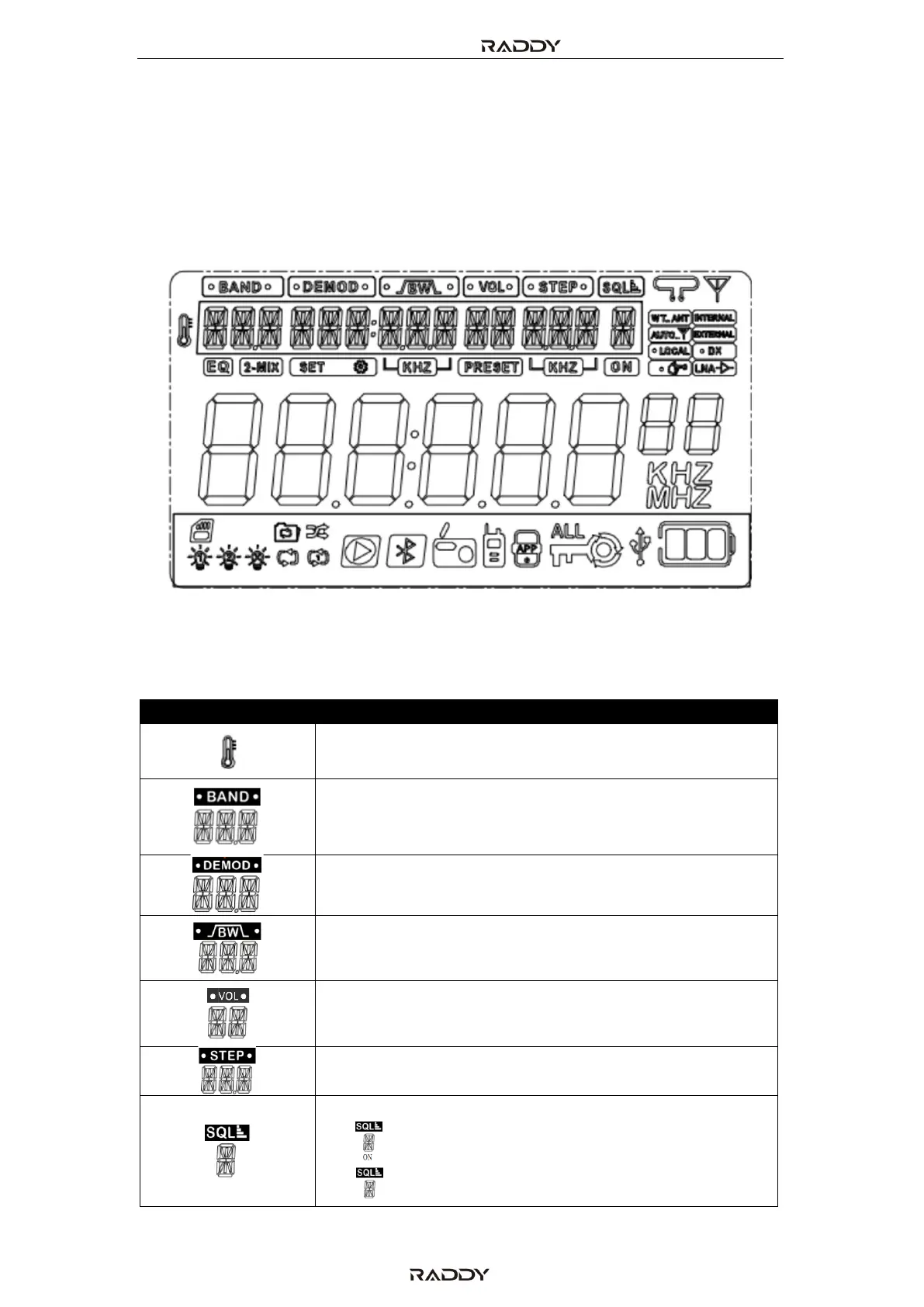
6 The primary and secondary screen
6.1 The primary screen
The primary screen displays most of the operating conditions and parameters.
The visualized information is depending on the currently selected operating mode.
6.2 Icons on primary screen
The various icons refer to different parameters as explained in the below table:
Band:
LW, MW, SW, CB, FM, AIR, VHF, WB, UHF



 To Next Page