Extended Manual for RF919 v2.1
© 2024 page 38 of 63
8 Use of TF card
The RF919 allows to play back audio files stored on a TF card in MP3,
WMA, WAV, APE or FLAC format. Up to 65,535 files may be stored on a single TF
card and TF cards with up to 256 GB are supported. Besides playback of tracks,
the radio also supports recording of received radio stations is MP3-format with
160 kBit/s.
8.1 Inserting a TF card
Please insert the TF card correctly into the TF card slot indicated by the " " icon.
The golden fingers of the TF card need to be pointing to the left and facing towards
the front of the radio. Carefully push in the TF card. Push it in once more in order
to release it for removal.
Note: When the radio is playing music in TF card playback mode, please adjust the
volume in case of sound vibration caused by the music source. When the radio
is receiving in Bluetooth mode, music play fails after inserting the TF card and
“0000” is displayed as the number of tracks on the primary screen, It is
possibly caused by the format of the tracks source or maybe the TF card is
broken. If the TF card is broken, please replace it with a new one.
8.2 Automatic playback of tracks
If the RF919 is powered on and the normal receive mode is selected,
the insertion of a TF card automatically triggers the playback of songs from the
inserted TF card. The primary screen shows the TF card icon „ “.
Other working modes may require to short press [ ] in order to switch to TF card
playback mode.
• Short press [ ] to switch between “pause” and “play”
• Short press [ ] to play the next track
• Short press [ ] to play the previous track
• Long press [ ] to play fast-forward
• Long press [ ] to play fast-backward
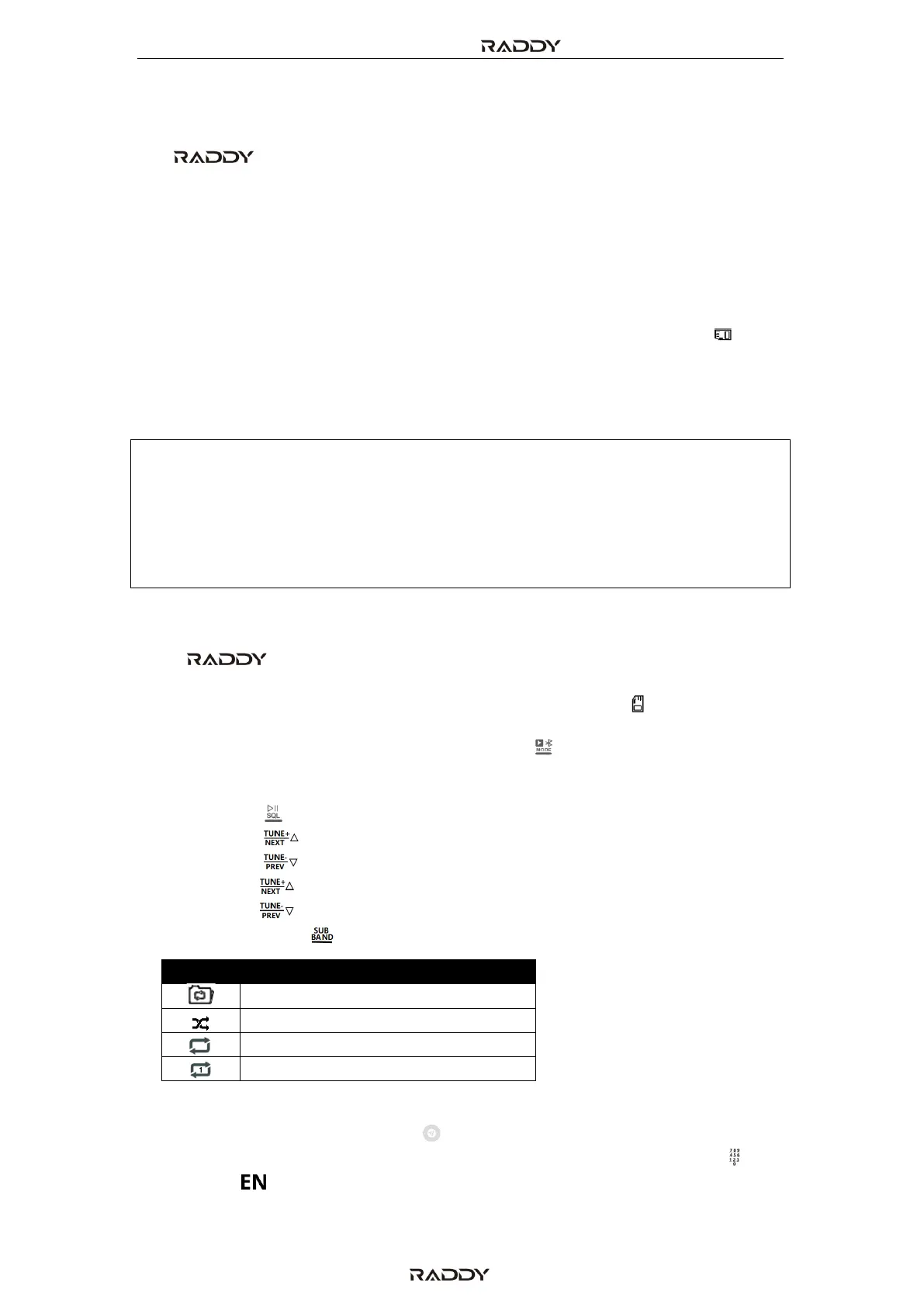
• Short press press [ ] to switch between the four playback modes.
When TF card playback is active, rotate the internal and external tuning knob to
select a song music. Short press [ ] to confirm your selection. You can also
directly enter the valid music track number using the numerical keyboard [ ] and
short press [ ] to start playback of the selected song.



 To Next Page