Extended Manual for RF919 v2.1
© 2024 page 47 of 63
11.3 Operating modes
Short press on [ ] to turn off normal receiving mode and select one of the other
operating modes. The most choices are available whenever the radio is connected
via USB to a PC. To get back to receiving mode, short press [ ] or [ ].
TF card playback mode, PC mode and Bluetooth audio mode allow to align the
sound output using the built-in equalizer. The current equalizer setting is
visualized left besides the battery symbol. To align the equalizer to your needs,
short press on the symbol to switch to the next setting:
11.3.1 TF card playback
TF card playback mode is only available when a TF
card has been inserted in the TF card slot on the
right side of the radio. To navigate within the
available track use [ ] or [ ].
Left to the equalizer setting, the current playback
mode is visualized according to the below table.
Short press the symbol to change the playback
mode.
Repeat tracks in current folder
11.3.2 PC mode
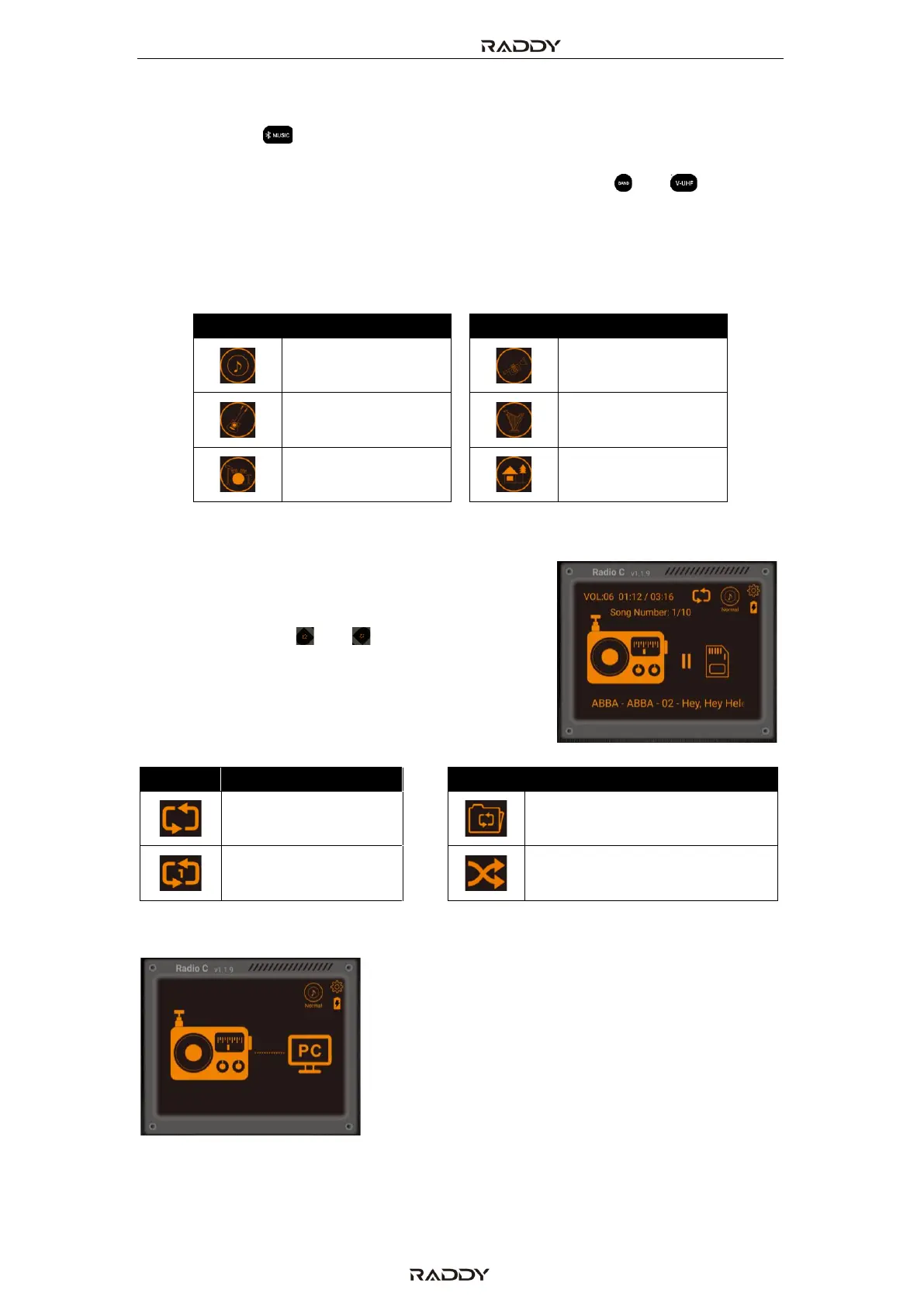
Whenever the radio is connected via USB to a PC it
is possible to select PC mode. When PC mode is
selected and a TF card has been inserted in the TF
card slot on the right side of the radio the content
of the inserted TF card is shown on the PC as a
separate drive. This makes it convenient to store
music files onto the TF card without having to
remove it from the radio.
Besides that, the radio acts as a speaker (DSP Device). All audio output of the PC
may be routed to the speaker of the radio.



 To Next Page