Extended Manual for RF919 v2.1
© 2024 page 21 of 63
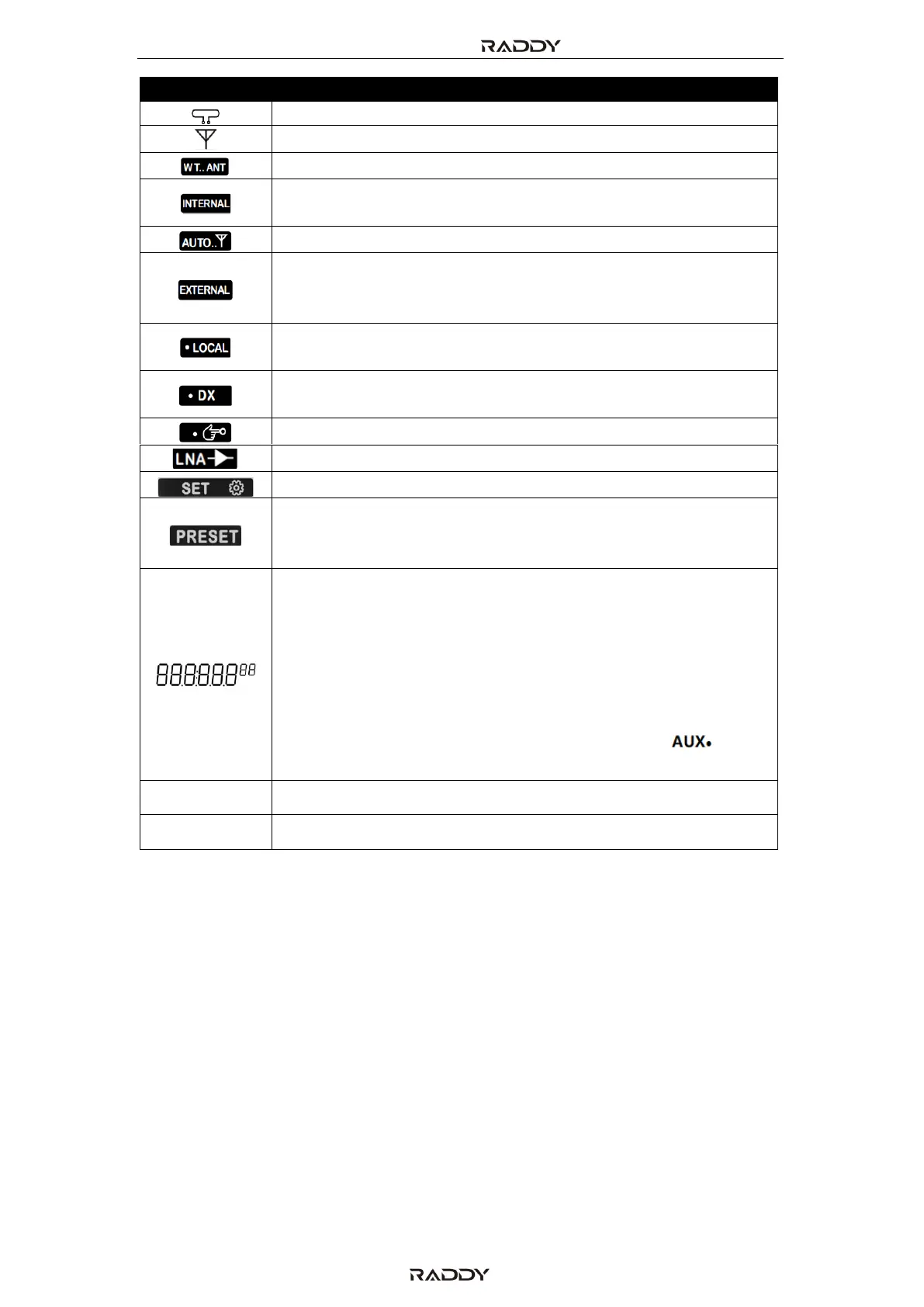
Use of loop antenna (magnetic rod loop antenna)
Rod antenna (including the external antenna)
Built-in antenna (including rod antenna/magnetic rod)
receiving
External antenna connected to one of the three sockets
activated (including WalkyTalky (WT) and the two 3.5mm
sockets)
Antenna signal will be attenuated by 10dB/20dB for better
reception of local stations
Antenna signal will not be attenuated in order to receive even
weak signals. (default)
Use of LowNoiseAmplifier LNA1 (or setting)
Mode for settings of parameters is active
Search and store a channel automatically
Store a channel manually (character flashing)
Take a channel (character always on)
• Radio is in standby mode: show the time
• Radio is working:
o FM mode: show the frequency
o Bluetooth mode: “bt” is displayed
o PC mode: “PC” is displayed
o TF card playback mode: show the elapsed playing time
of the current track
• As soon as a 3.5mm plug gets inserted to the “ ” input
of the radio, “AUX” is displayed
The stated number represents the frequency in kHz
The stated number represents the frequency in MHz



 To Next Page