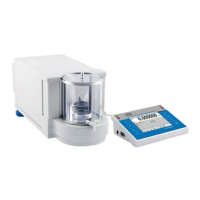
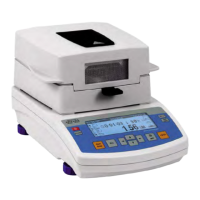
8.7. Moisture analyzer parameter settings.
Depending on user needs the moisture analyzer enables setting parameters
influencing its operation. These parameters are grouped in menu P7 Other, for
instance: beep sound on pressing a key/button, screen contrast, etc.
8.7.1. Entering menu group P7 Other
Enter submenu group P7 Other.
8.7.2. Parameter settings
The parameters are set as specified in case of previous menu groups.
01 Password
The password protects the moisture analyzer against making changes in its
settings
02 Database of drying programs
Enabling / disabling accessibility of the database of drying programs.
03 Beep sound
Determines whether each pressing of a key/button on balance overlay is
confirmed by a beep sound, available settings: YES/NO
04 Language
Selecting language version of software menu, available settings Polish or
English
05 Display backlight
Determines whether the backlight of the balance’s graphic display should be
enabled or disabled (enabling the backlight option improves data visibility on
the display)


 To Next Page