www.raisecom.com User Manual
22
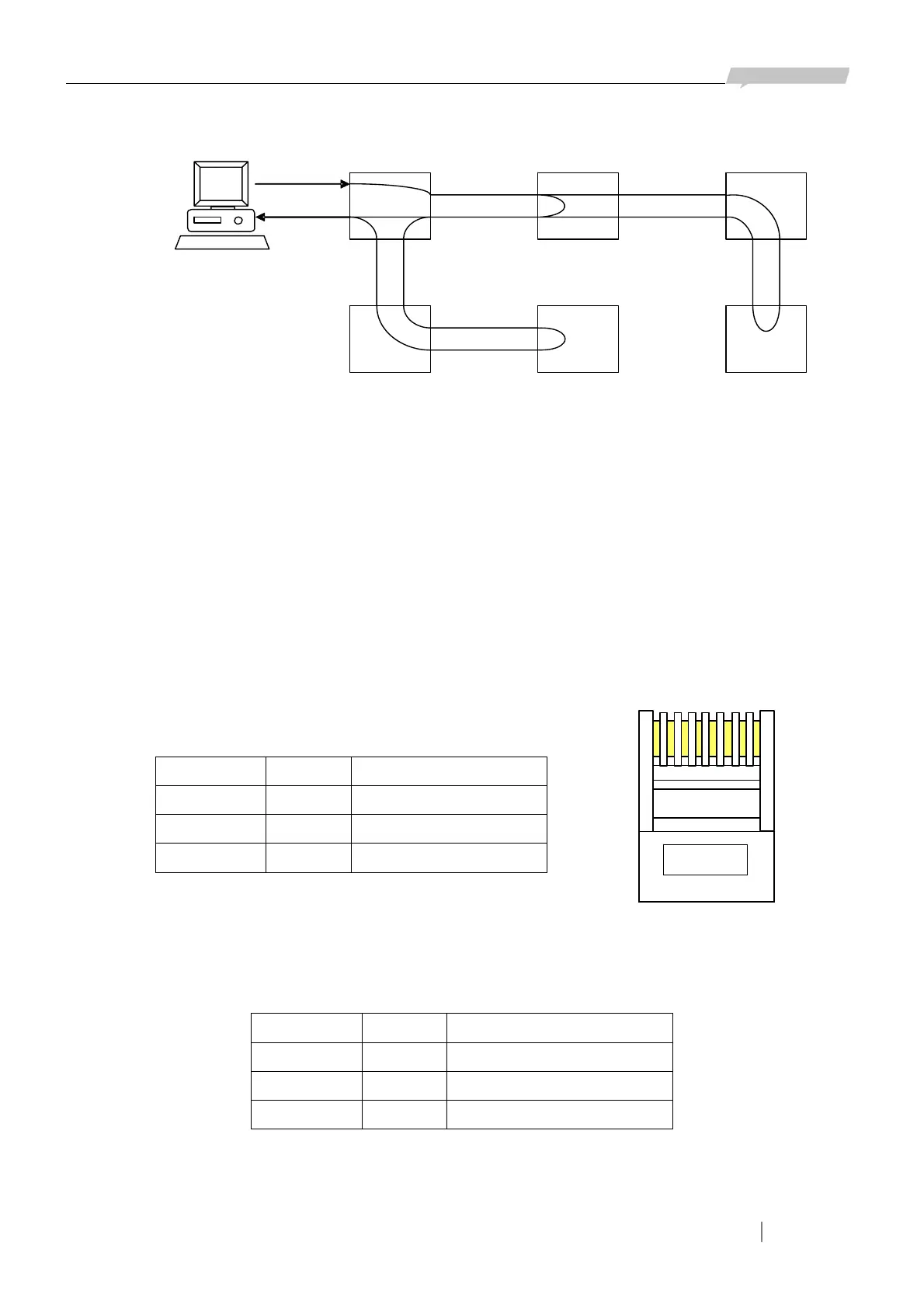
Local and remote network management channel connection can be realized through LINK UP and
LINK DOWN interfaces on RC3000 as in Figure 5-2:
There are three RC3000 networks: RC3000A and RC3000B connected through E1 cable, RC3000C
and RC3000D connected through E1 cable, RC3000E and RC3000F connected through E1 cable;
connect RC3000A and RC3000C through concatenation cable, RC3000B and RC3000E through
concatenation cable, and set the second bits of A, C, E’s DIP-switches ON, then local and remote
network management channel connection can be realized through LINK UP and LINK DOWN
interfaces.
5.1.9 Port definition
a. CONSOLE definition of Hyper Terminal:
CONSOLE interface for Hyper Terminal is RJ45 interface and standard RS232 level:
Signaling and Pin definition of CONSOLE port:
Pin number Signal Explanation
3 RXD Rx of RC3000
7 TXD Tx of RC3000
4,8 GND Ground of RC3000
b.LINK UP network management interface definition:
Network management interface LINK UP is RJ45 interface and standard RS232 level:
Signaling and Pin definition of LINK UP interface:
Pin number Signal Explanation
3 RXD Rx of RC3000
7 TXD Tx of RC3000
4,8 GND Ground of RC3000
c. LINK DOWN network management interface definition:
Network management interface LINK DOWN is RJ45 interface and standard RS232 level:
1E1
Figure 5-2
A
F
D
B
E
1E1 1
1E1
1E1
1E1
LINK
DOWN
1E1 1E1
LINK
UP
LINK
DO
WN
C
LINK
UP
2
1
1 2 3 4 5 6 7 8
Figure 5-3



 To Next Page