www.raisecom.com User Manual
69
E1 direction.
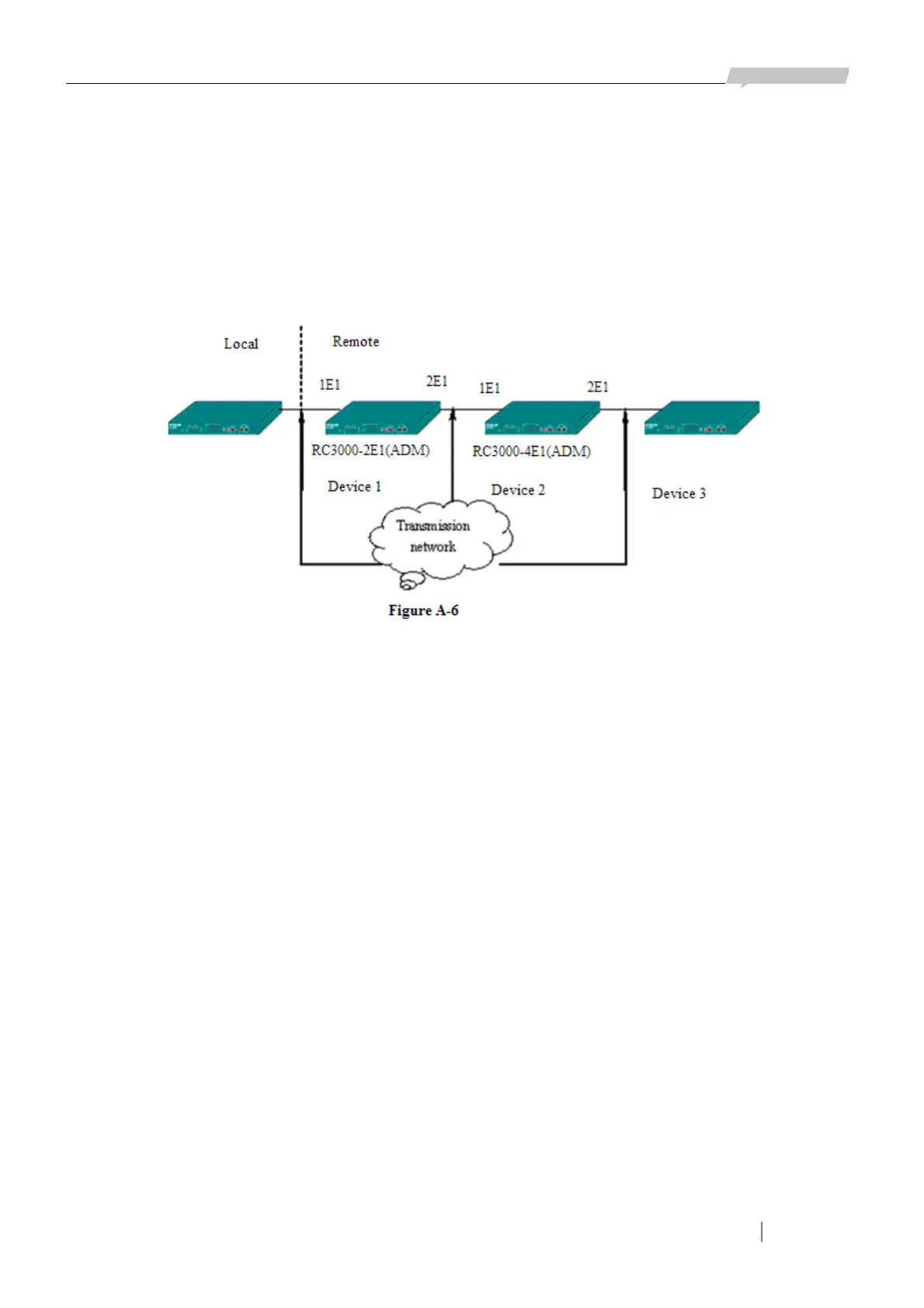
Device 2: Set all bits of DIP switches OFF; use two E1s, time slot 0 and double E1 direction.
Device 3: Set all bits of DIP switches OFF; use two E1s, time slot 0 and single E1 direction.
If your configuration of any of the three devices is not same as above, there will be device that
cannot be managed. (Attention: 0nly device 2 is configured as double E1 direction).
Here is a more complex topology:
In this topology connect RS232 serial interface of PC with LINK UP interface of device 1, device 1
and device 2, device 2 and device 3, device 3 and device 4, device 4 and device 5 are connected
through E1 cable, and connect LINK DOWN interface of device 2 with LINK UP interface of device
4 to realize remote network management connection. The configuration of each device is as follows:
Device 1: Set the second bit of DIP switches ON, and others OFF; use one E1, time slot 0 and single
E1 direction.
Device 2: Set all DIP switches OFF; use two E1s, time slot 0 and double E1 direction.
Device 3: Set all DIP switches OFF; use one E1, time slot 0 and single E1 direction.
Device 4: Set the second bit of DIP switches ON, and others OFF; use one E1, time slot 0 and single
E1 direction.
Device 5: Set all DIP switches OFF; use one E1, time slot 0 and single E1 direction.
To avoid error the above configuration is recommended.
A.9.7 Alarm Sound Set
In system menu press number key 7 to configure the alarm sound:
Alarm Sound Output: Enable (Disable)
In this status, use → key to change setting value, press ENTER to confirm configuration (or press
ENTER until the configuration finished), press E key to finish configuration, and ESC to cancel
configuration.
By default the alarm sound output is ENABLE, when disable the sound there will not be alarm



 To Next Page