www.raisecom.com User Manual
30
5.7.3 Setting of V35 sub-card
V35 sub-card has many functions: plenty of test methods, loop, phase adjustment and etc. Both
Hyper Terminal and network management can configure the following commands:
a. Configuration of user card time slot; b. Phase of Rx data; c. Phase of Tx data;
d. Choose the data channel; e. Loop configuration; f. Error bit ratio test;
g. Auto adjustment of Tx data phase; h. Auto adjustment of Rx data phase, etc.
Please refer to Appendix A How to use Hyper Terminal to configure RC3000 for the operation and
setting contents.
5.8 Function of RC3000-SUB-DETH
5.8.1 Rules for channel allocation
RC3000-SUB-DETH is an Ethernet data user card with a 10BaseT interface, and please refers to
configuration rules of RC3000-SUB-DETH user card.
5.8.2 Definition of Ethernet interface
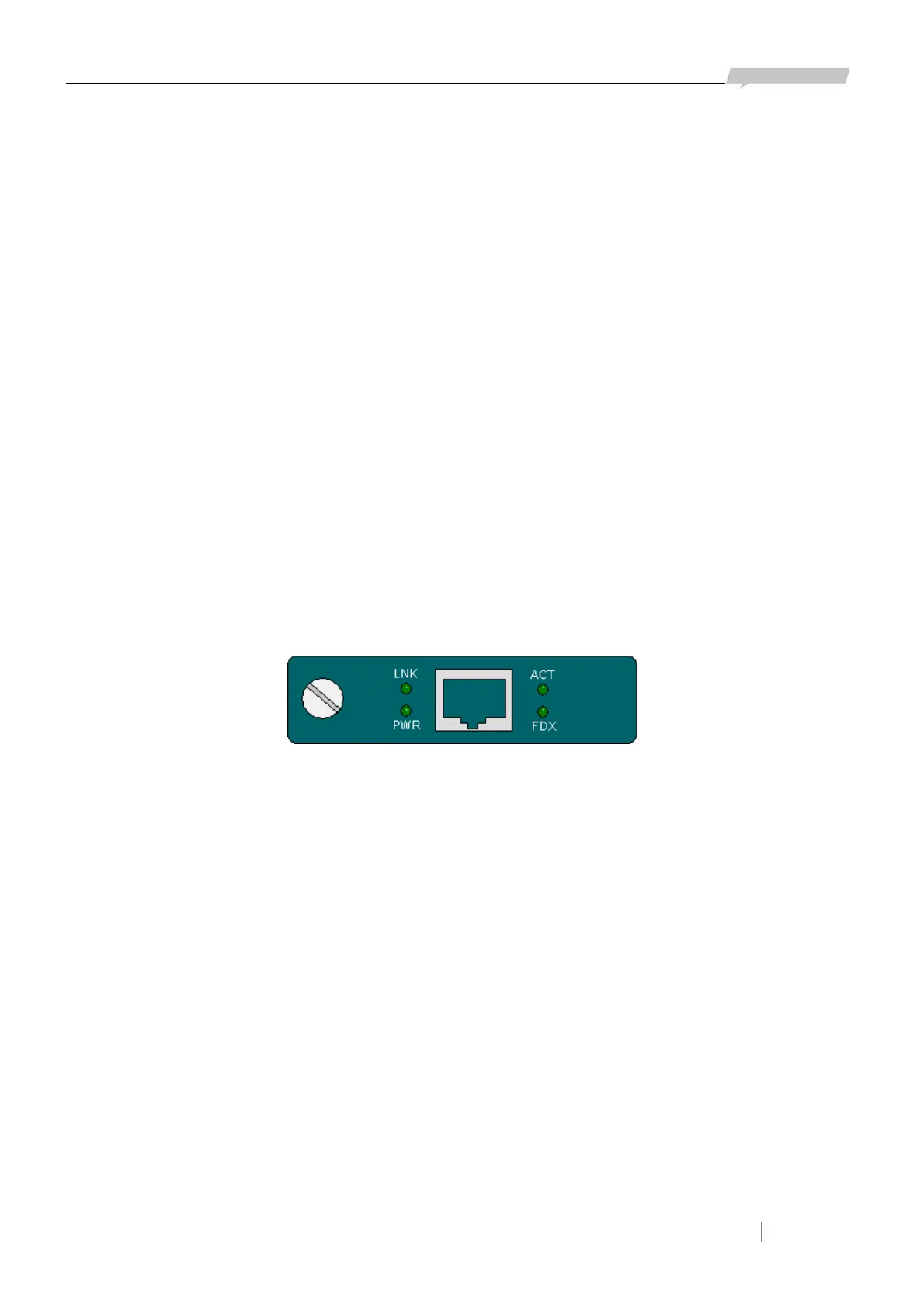
Ethernet interface uses RJ45 connector and realizes Auto-MDI/MDIX cable as following figure:
Figure 5-14
The interface is 10M Ethernet interface. Indicators are all green:
LNK: indicates the Ethernet user card LINK status, ON: LINK ON
PWR: power supply indicator light, ON: powered on.
ACT: ON: data transmitting or receiving at the port
FDX: ON: full duplex
5.8.3 Setting of Ethernet sub-card
Ethernet user card has many functions and both Hyper Terminal and network management can
configure the following commands:
a. Configuration of sub-card time slot; b. Choose the data channel; c. Buffer configuration;
d. Default interface mode; e. Interface reset.
Please refer to Appendix A How to use Hyper Terminal to configure RC3000 for operation and setting
contents.



 To Next Page