2. Getting Started
Rand Tablet User Manual 9
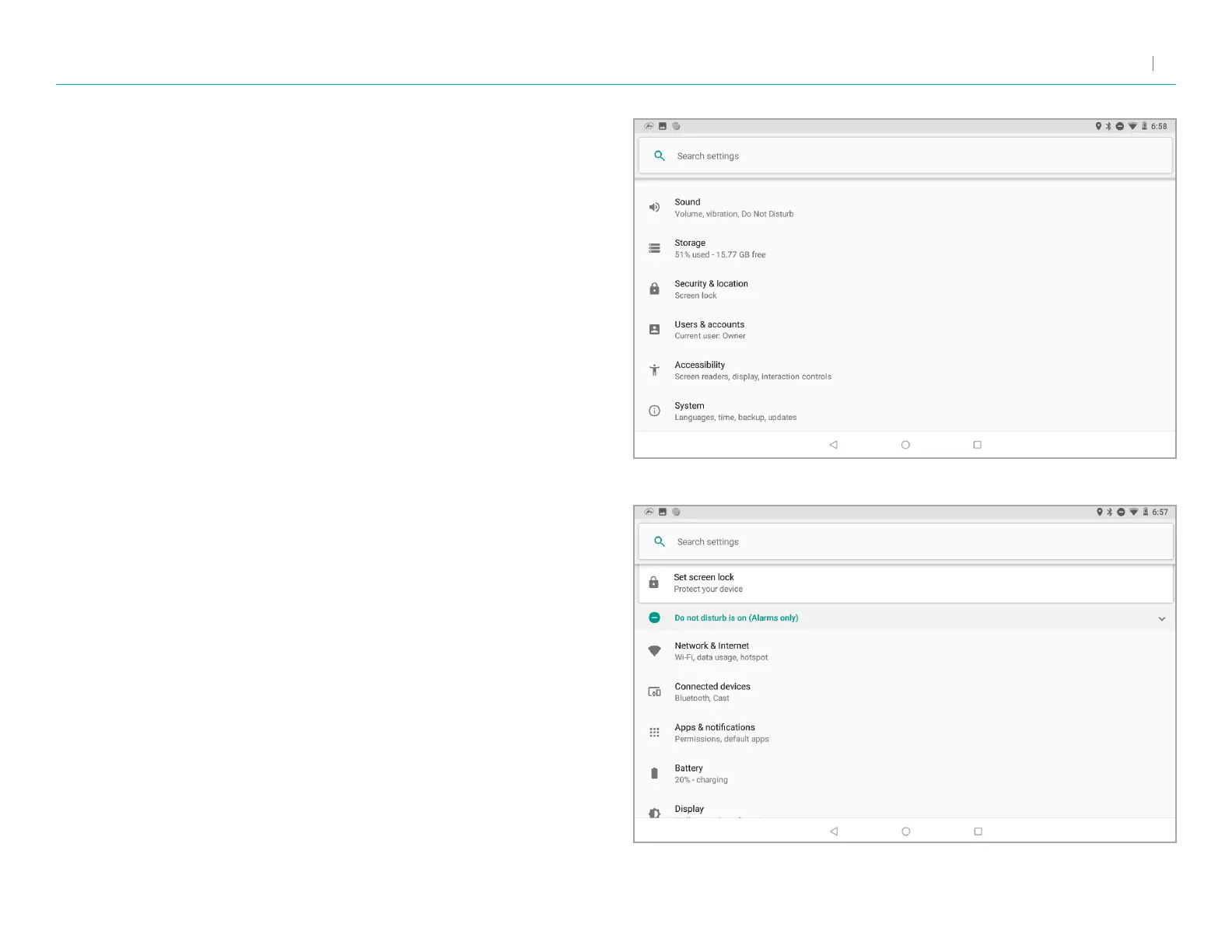
Android Settings
• Network & Internet – Options for Wi-Fi, data usage, tethering, VPN,
and Airplane mode.
• Connected devices – Options for Bluetooth, Cast, printing, and USB.
• Apps & notications – Options for notications, app permissions,
default apps, and access.
• Battery – Displays battery life and power options.
• Display – Options for brightness, wallpaper, sleep timers, and size.
• Sound – Options for media, alarm, and notication volume, do not
disturb, and default sounds.
• Storage – Options for managing storage used by les and apps.
• Security & location – Options for setting screen lock preferences,
location services, and other security settings.
• Users & accounts – Options for adding and managing user accounts
and data synchronization.
• Accessibility – Options for screen readers, font sizes, magnication,
and other ease-of-use settings.
• System – Options for language, time, and gesture settings, system
information, and factory reset.



 To Next Page