Rand Tablet User Manual 25
1
2
3
4
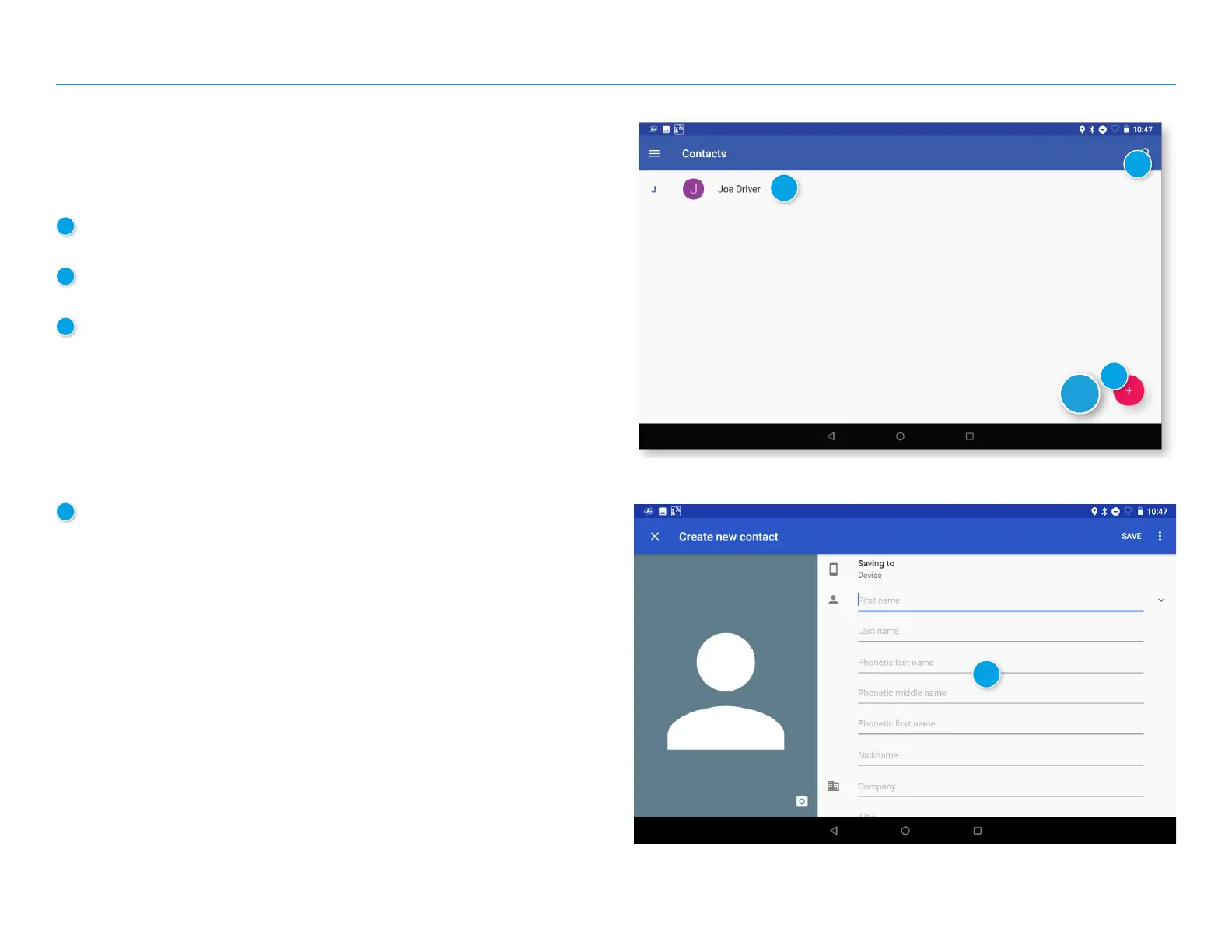
1
Add a New Contact
Tap to manually create a new contact.
2
Search
Tap to search for an existing contact.
3
Contacts
Tap a contact’s name to view and edit information about that contact.
4
Create New Contact screen
Enter information about the contact.
Tap Save to save and return to the previous screen.
Address Book: Contacts
In order to use contacts for navigation, you rst need to set them up in the
Rand Navigation 2.0 app. You can add contacts manually or import them.
3. Rand Navigation 2.0



 To Next Page