3. Rand Navigation 2.0
Rand Tablet User Manual 43
Fuel Logs
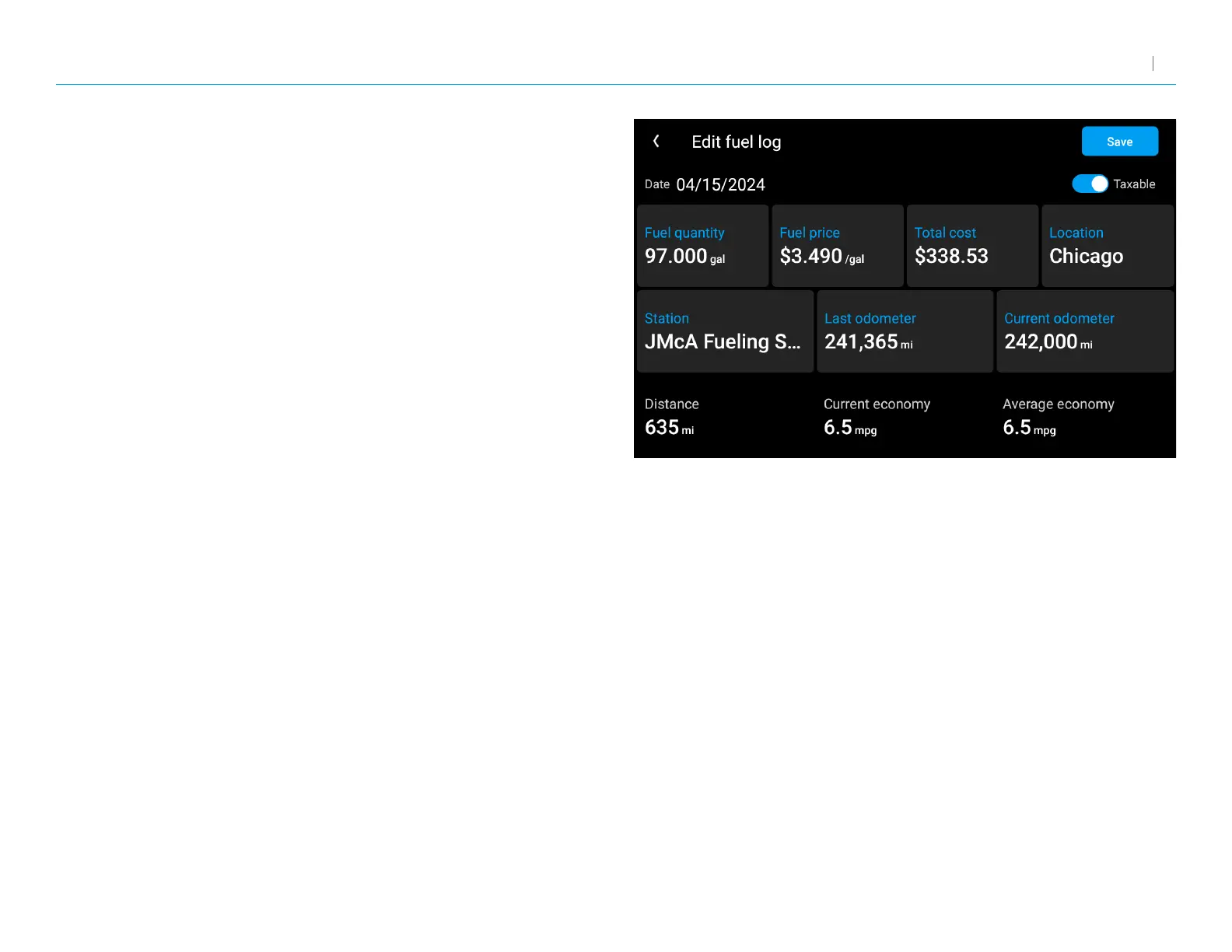
1. From the Virtual Dashboard, tap Add Fuel.
2. Tap a eld to enter information. You can edit the following elds: Date,
Taxable, Fuel quantity, Fuel price, Total cost, Location, Station, Last
odometer, and Current odometer. Distance, Current economy, and
Average economy are calculated automatically based on your entries.
3. Tap Save to record a fuel purchase.



 To Next Page