3. Rand Navigation 2.0
Rand Tablet User Manual 33
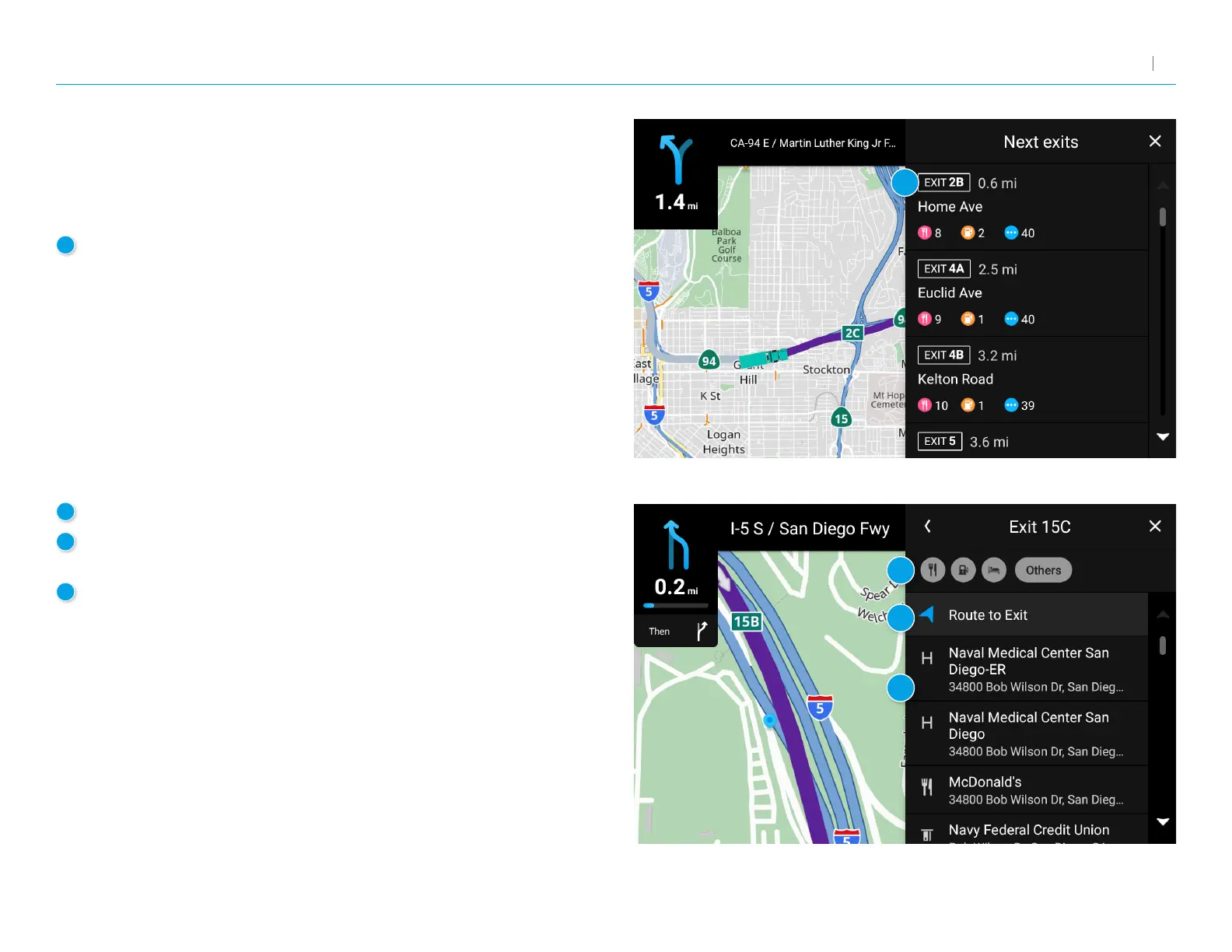
Exits
Slide out to show points of interest at upcoming exits.
The list displays the distance to the next exit, exit name
and number, and a count of available amenities.
1
Tap on an exit to display a list of POIs at the exit.
2
Tap the icon to display locations by category.
3
Tap on any item in the list to view additional information
or to route to the POI.
3
Add a stop along your route to this exit.
1
2
4
3



 To Next Page