2. Getting Started
Rand Tablet User Manual 5
Powering up
Charge the device before using it on battery power.
Note: GPS navigation will work right out of the box even if you do not have internet access.
Connecting to Wi-Fi
When you rst turn on your tablet, you’ll be asked to select a Wi-Fi network
to connect to the internet. A Wi-Fi connection is required to browse the
web, download apps, and use internet-enabled features such as weather
and trafc. Choose your wireless access point or hotspot from the list and
type in your password. You can come back to this step later if you are in a
place without internet access.
Warning: When using the magnetic mount in your vehicle, only use the mount’s DC IN port
for charging. Do not attempt to simultaneously charge the tablet from the magnetic mount
and the tablet’s USB port.
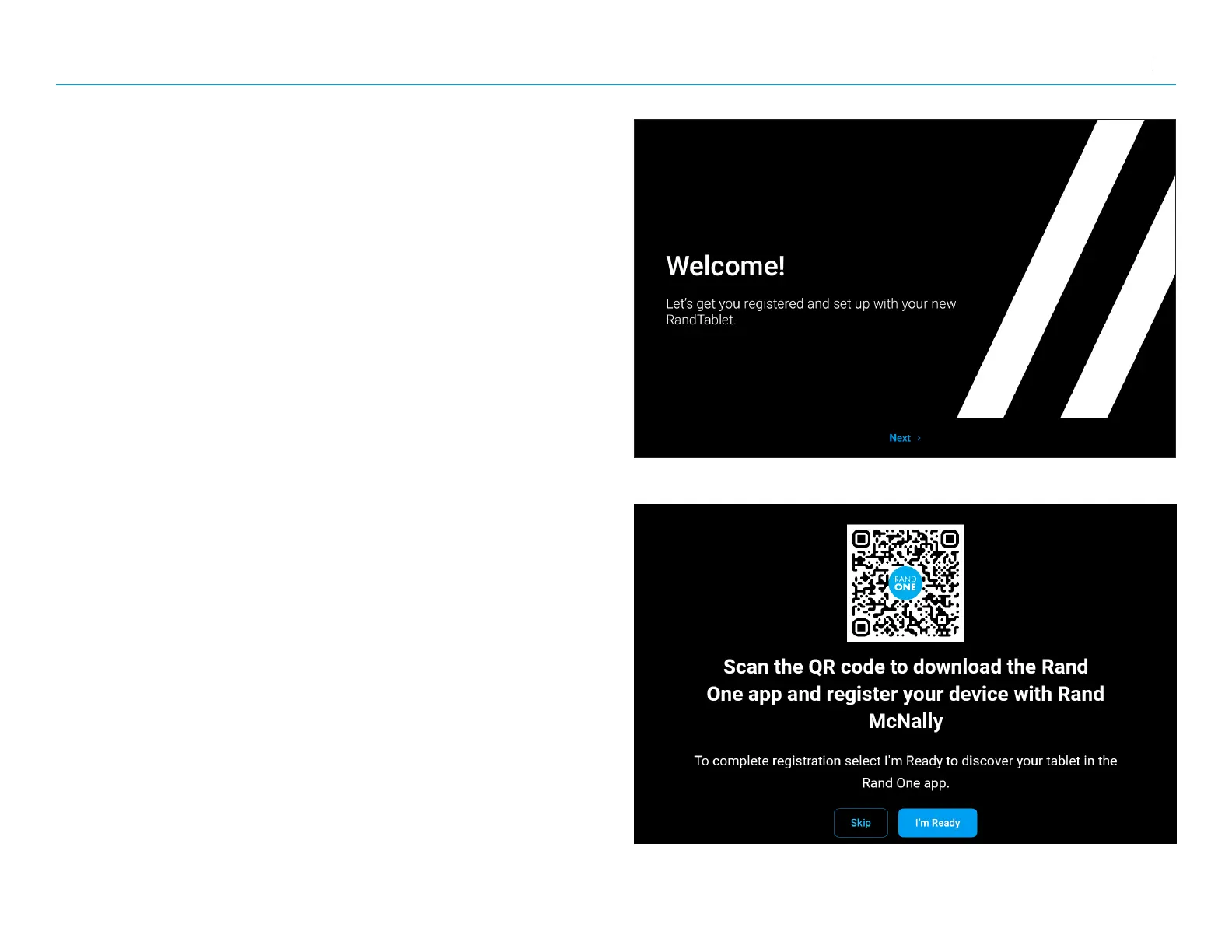
Registration
In the next step, you’ll be prompted to download the Rand One app on your
Android or iOS mobile device to complete registration. Your registration
ensures that you have access to the latest information and updates,
as well as Customer Support.



 To Next Page