3. Rand Navigation 2.0
Rand Tablet User Manual 37
Detour/Avoid
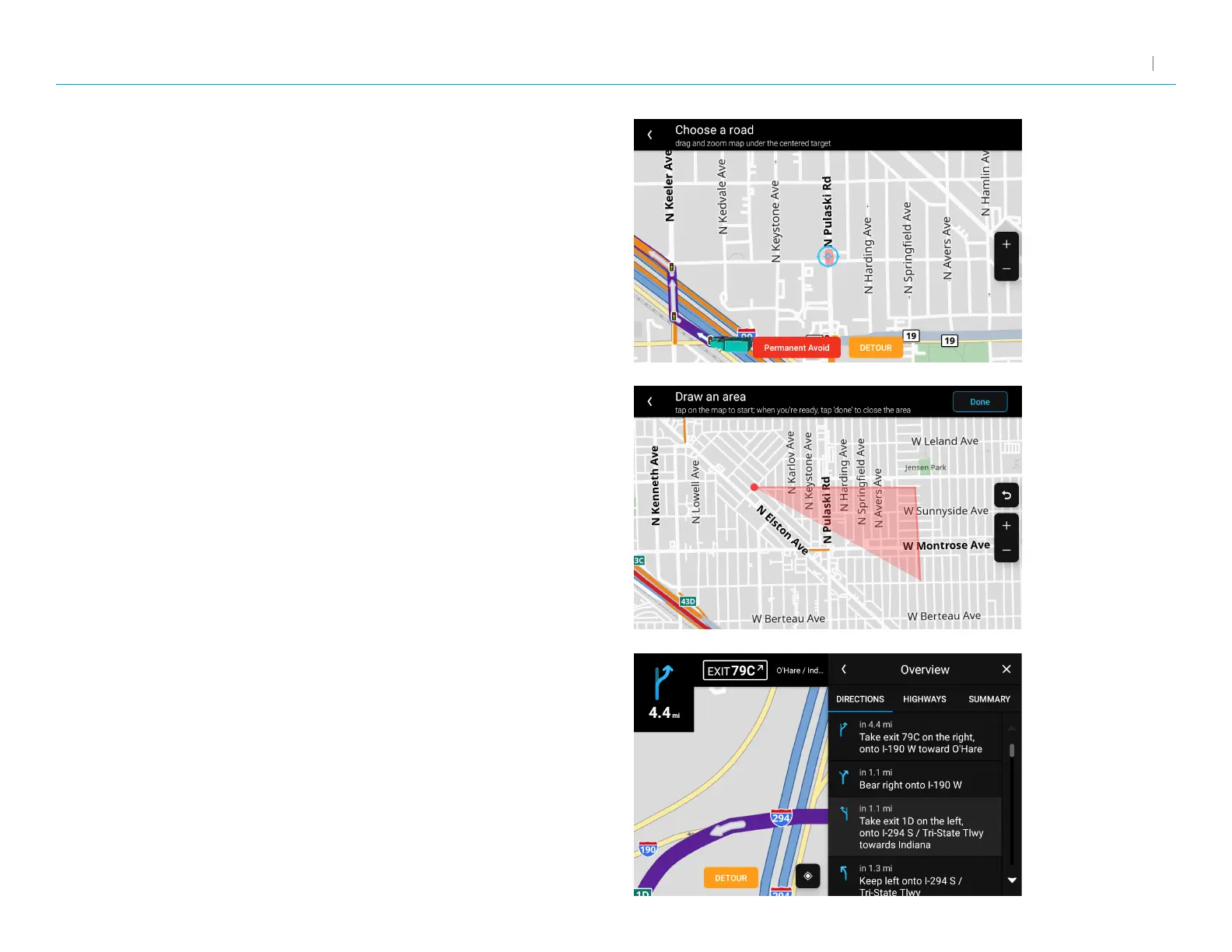
When selecting A road, zoom in and out on the map to center
the target over the road to avoid. The road is highlighted in red.
Tap Permanent Avoid to always avoid it. Tap Detour to avoid it
on this trip only.
When selecting An area, tap on the map to set points for an area
to avoid. Tap Permanent Avoid to always avoid it. Tap Detour to
avoid it on this trip only.
When selecting Along the route, select the step on the route you
wish to avoid. Tap Detour to navigate around it.



 To Next Page